Free Panasonic V-Log LUTs
Measured Panasonic V-Log / V-Gamut to Rec.709 3D .cube conversion and stage looks for Lumix S5II, S5IIX, S1H, GH6 and GH7. 16 of them, free, for DaVinci Resolve, Premiere Pro and Final Cut Pro.
Panasonic V-Log exposure targets on stage (42.33% IRE)
Panasonic V-Log places 18% middle gray at 42.33% IRE (10-bit code 433) with 7.02 code points per stop and 8.00 stops of file ceiling above gray (code 81.64% at linear 8.0). On Lumix S5II and S5IIX, stay locked to Dual Native ISO 640 or ISO 4000 in dark clubs rather than sitting in intermediate gain steps.
Our Panasonic V-Log → Rec.709 conversion LUT maps V-Gamut cleanly into Rec.709 and aligns 18% gray to 0.373 so Lumix footage cuts seamlessly next to Sony S-Log3 and Canon C-Log3 cameras. Full reference in Exposing Panasonic V-Log and the Panasonic hub.
Verify on 8 real 10-bit Panasonic V-Log stage clips
Inspect and download 8 genuine 10-bit Panasonic V-Log festival clips spanning 14.8% to 38.1% median IRE and peaks up to 89.2% IRE, or preview any creative stage LUT directly on those frames in the LUT Optimizer.
Lumix Real Time LUT & NLE node placement
In DaVinci Resolve, Premiere Pro, or Final Cut Pro, place primary exposure and white-balance trim before Panasonic V-Log → Rec.709, then stack creative show LUTs downstream. Remember that in-camera Real Time LUT slots on Lumix bodies require a 33×33×33 .cube (or .vlt) file — all conversion and show downloads here ship in compatible .cube lattices, and you can export custom 33³ camera-ready bakes in the LUT Optimizer.
Panasonic V-Log Conversion & Stage LUTs
Panasonic V-Log to Rec.709 conversion first, followed by universal concert looks for downstream nodes
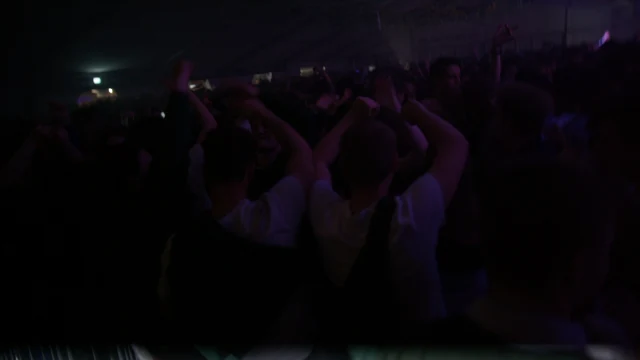
Panasonic V-Log → Rec.709
by @leo
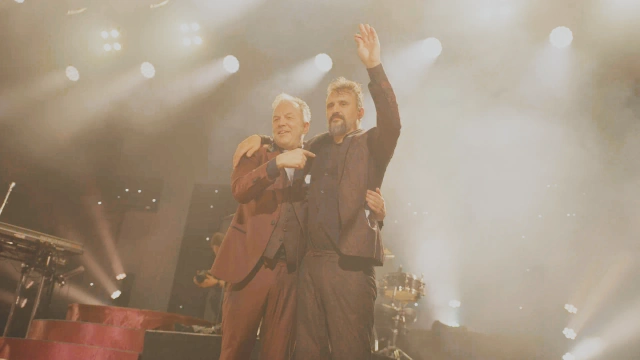
Glacier Hour
by @leo
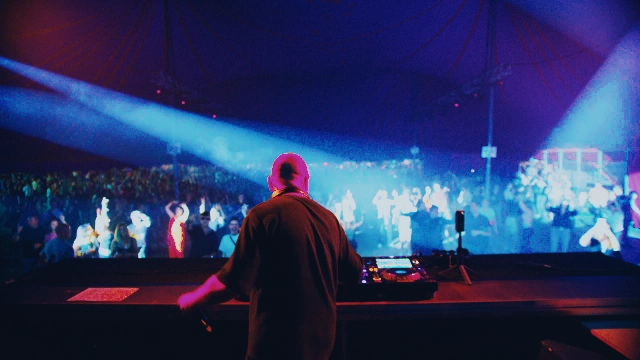
Polar Night
by @leo
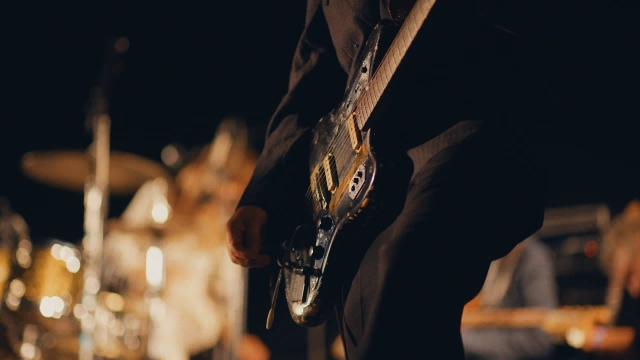
Silver Countdown
by @leo
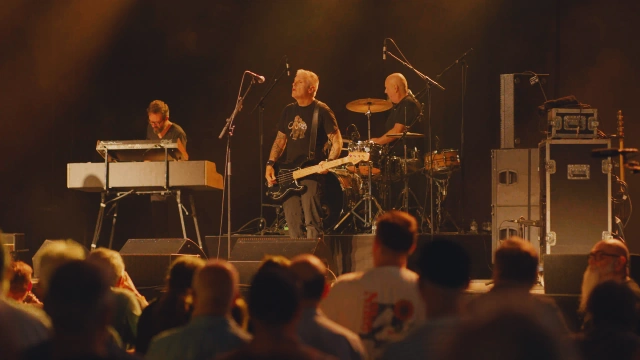
Brass Daybreak
by @leo

Lagoon Static
by @leo
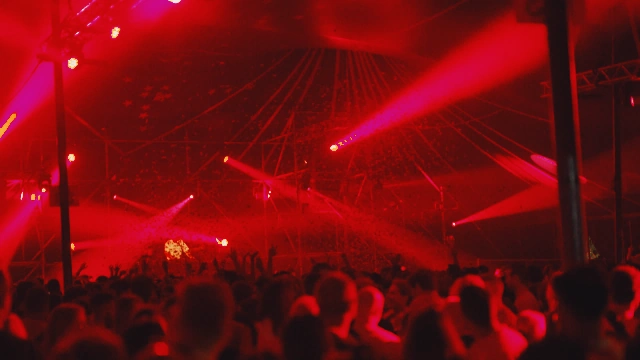
Ruby Afterhours
by @leo

Midnight Headliner
by @leo
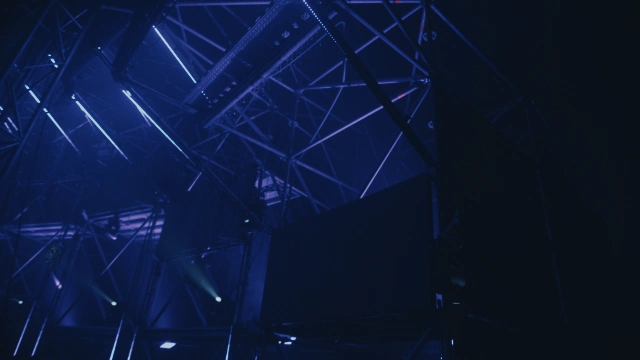
Titanium Rig
by @leo
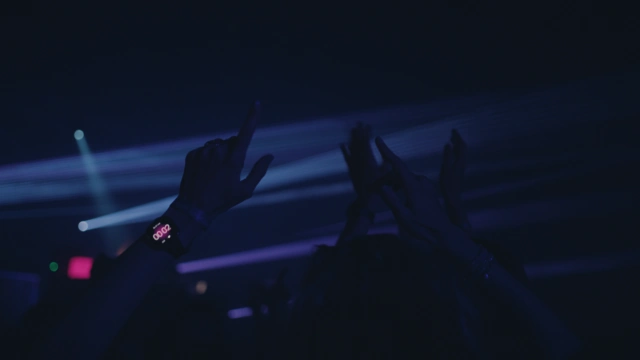
Velvet Encore
by @leo
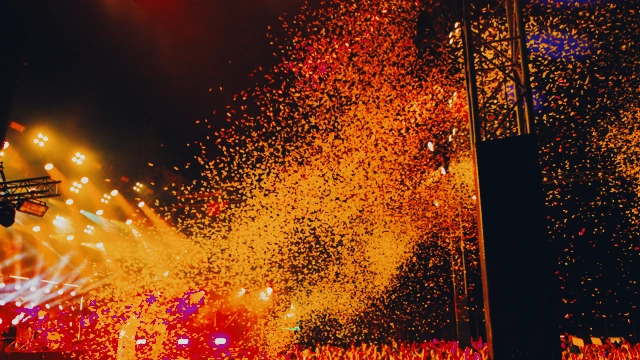
Scarlet Drop
by @leo
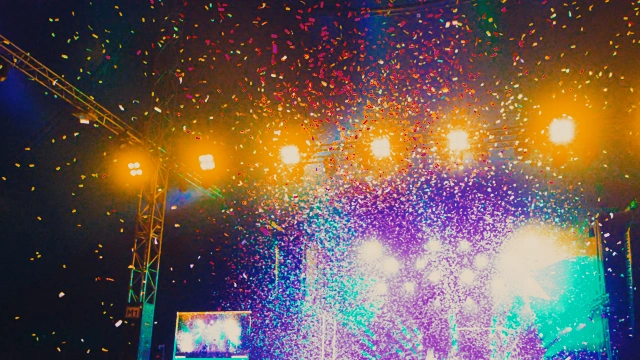
Solar Horizon
by @leo
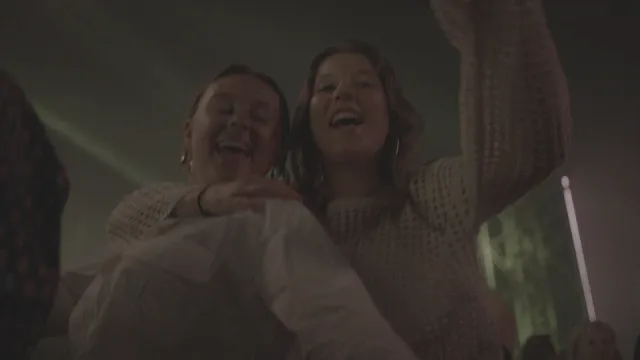
Soft Stage Shoulder
by @valmera
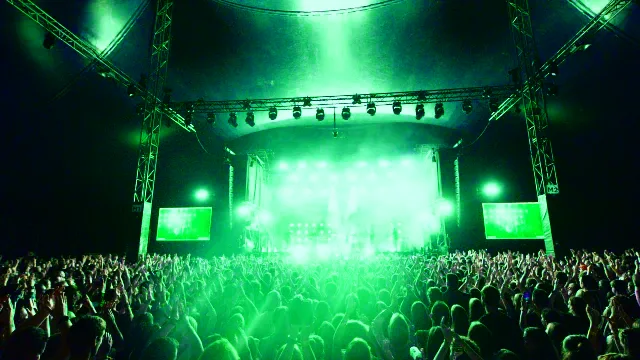
Blue hour warmth custom
by @julespeeters

Deep Minimal Techno
by @leo

Warehouse Techno Vault
by @leo