Free LUTs for Photoshop
35 free LUTs for concert, rave and festival footage, all of which load in Photoshop. Photoshop reads the same .cube files as the video apps, through a Color Lookup adjustment layer — so a look built for footage works on a still.
Installing a LUT in Photoshop
- Layer → New Adjustment Layer → Color Lookup.
- In the Properties panel open the 3D LUT File dropdown and choose Load 3D LUT…, then pick the .cube.
- Grabbing several? Drop them into Photoshop’s Presets → 3DLUTs folder and restart — they then appear in that dropdown directly, with no loading step each time.
Photoshop reads .cube and .3dl.
Which slot to use
We ship two kinds of LUT and Photoshop has a place for each. A conversion LUT is technical — it puts log footage into Rec.709 correctly. A creative LUT is a look, and expects footage that is already in Rec.709. Correct, convert, then look.
- The adjustment layer is the creative slot. It sits above your image, is non-destructive, and can be reordered, masked and blended like any other layer.
- There is no technical slot — Photoshop has no equivalent of Premiere’s Input LUT. See below.
If the look is too strong
Lower the opacity of the Color Lookup layer. That blends it back toward the untouched image, which is the only honest way to soften a fixed mapping.
Use the creative looks, not the conversions
The log to Rec.709 conversions expect log video — footage still encoded in S-Log3, V-Log, LogC and so on. An ordinary JPEG, or a raw file your editor has already processed, is in a display space: a conversion LUT applied to it undoes a curve that was never there, and looks wrong.
The creative looks are the ones that transfer, because they expect Rec.709-ish input — which an sRGB photo effectively is.
Newest LUTs for Photoshop
All 35 work in Photoshop — these are the twelve most recent

Sony S-Log3 → Rec.709

Canon C-Log3 → Rec.709

Apple Log → Rec.709

RED Log3G10 → Rec.709
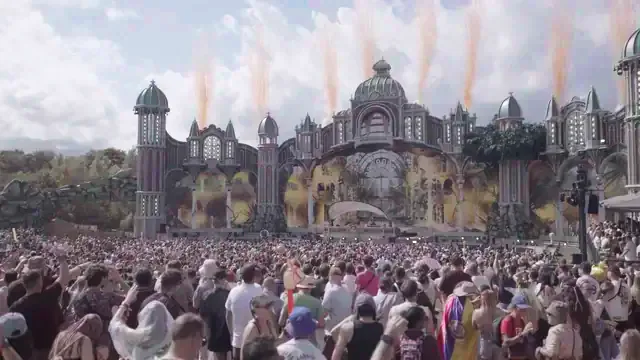
Panasonic V-Log → Rec.709

ARRI LogC3 → Rec.709

Mystic Field Magic Haze

Sony S-Log3 Golden Stage Grade

Canon C-Log3 Ember Stage Grade

D-Cinelike FPV Drone Chaser

Warm 400 Film Standard