FestivalLuts Academy
The catalogue shows you what a look does. The Academy explains why it did something else on your footage.
Everything here is written for one job: turning what came off the card at a show into something deliverable on a deadline. Log formats, stage lighting that sits outside the colour space you deliver in, and the order of operations your editor forces on you.
Start where you are stuck
Grouped by the order the work happens in, not by camera brand.
1 · Expose
Get this wrong and nothing downstream recovers it. One number per log format, computed from the transform library this site runs on.
 ExposureWhere middle grey lands in S-Log341.1% of code value, and what that single number settles about metering on an FX3, FX5 or FX6.
 ExposureCanon C-Log3: middle grey at 33.1%The lowest grey placement of the eight, which changes where a correctly exposed face sits on the scope.
 ExposureRED Log3G10: middle grey at 33.3%Ten stops of headroom above middle grey, second only to Blackmagic Film Gen5, and a grey target nowhere near a Sony's.
 ExposureApple Log: highest grey, least headroom48.8% grey and the shortest run to clipping on the list. Meter an iPhone like a Sony and you are a stop out.
 ExposureHow to expose S-Log3 on the Sony FX5For when the monitor in a dark tent says the shot is fine and the file disagrees. Middle grey at 41% IRE, skin in the 55–62% band, Zebra 1 at 94%.
2 · Convert
Log to Rec.709: what the conversion actually does, what it costs, and the one problem it cannot fix.
 ConversionLog to Rec.709: conversion LUT or CST?What a conversion actually does, why a creative look applied to log footage goes wrong, and the node order that keeps the two jobs separate.
 LUT formatWhat LUT lattice size actually costsWhether a 65-point LUT beats a 17-point one, measured rather than asserted: a look survives the coarse lattice, a log conversion does not, and the worst errors barely improve at any size.
 Stage lightingWhy stage lighting clips out of gamutA red wash that will not come back when you pull exposure is not over-exposed, it is outside the colour space. Which control fixes that, and which one everybody reaches for instead.
3 · Apply the look, and publish your own
Where the LUT goes in each application, and what makes one worth downloading.
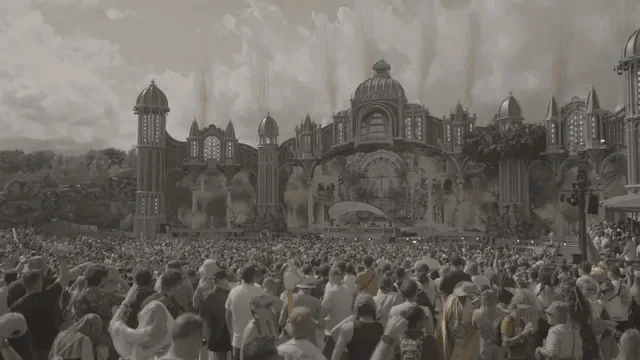 Applying the lookInstalling .cube LUTs in Resolve, Premiere and Final CutWhere LUTs live per application, the difference between a Camera LUT slot and a node LUT, and what goes wrong when one gets applied twice.
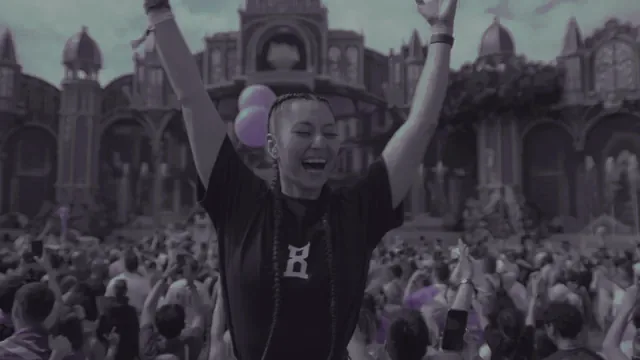 PublishingUploading to FestivalLuts, and what makes a LUT worth downloadingEvery check your .cube has to pass, why each one exists, and the export settings that decide whether your LUT survives contact with someone else's footage.
Sony FX3 and FX5
The two bodies this site documents in detail, and where they actually differ.
CamerasSony FX3 and FX5 for live eventsWhat the two bodies share at the colour level, so you stop hunting for a per-body LUT that need not exist.CamerasFX3 vs FX5 for low-light event coverageWhich body goes on the A-cam, and what the published base-ISO difference does not settle.RAW workflowGrading FX5 X-OCN RAW in DaVinci ResolveRAW changes what node 1 is: the Camera RAW tab, the one place Highlight Recovery actually exists. Read it before you copy a RAW tip onto XAVC, where that control is not there.In the catalogue
The product pages the guides refer back to.
ConversionSony S-Log3What a conversion is doing to your file, step by step: decode curve, gamut matrix, highlight shoulder, display curve.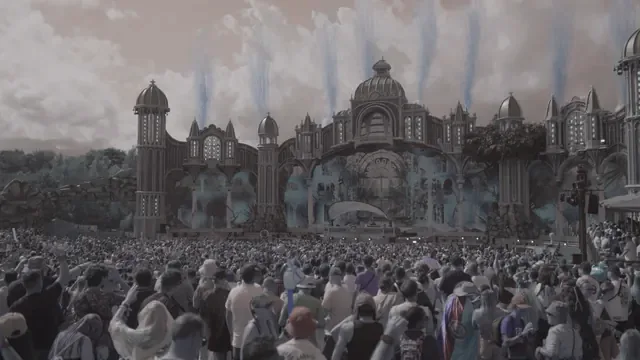 CatalogueConcert LUTs and stage lightingWhy a red wash smears and faces go plastic, and why pulling exposure down does not fix it: the problem is out-of-gamut saturation, and there is a specific transform control for it.
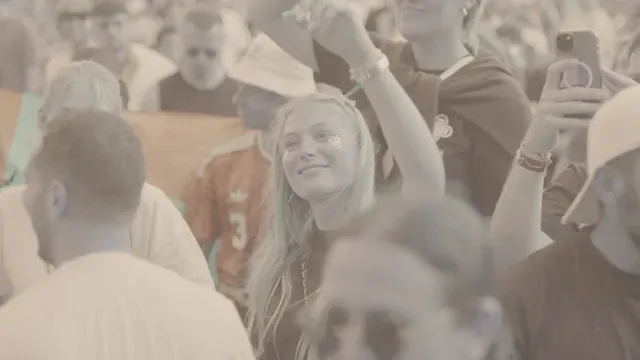 ConversionLog → Rec.709 conversionsSix technical conversions. Pick by the log format you recorded, never by the camera's marketing name.
Why that order
- Correct the exposure — on the log footage, before anything else. The Offset wheel is additive, and an additive shift in log space is a multiplication in linear: a stop change. That is why colourists balance on log with it. Do the same after the conversion and Offset becomes a pedestal lift that washes the blacks out.
- Convert — one transform, log to Rec.709. A Color Space Transform compresses everything above diffuse white into Rec.709's much smaller range. It does not hard-clip — Resolve works in 32-bit float and the transform tone-maps — but once compressed, pulling exposure down afterwards drags the whole block down together. Muddy greys, not recovered detail.
- Apply the look — last, on top of Rec.709. A creative LUT expects display-referred input. Given log, it applies its curve to the wrong numbers.
The commonest reason a LUT "doesn't work" is that order reversed: a creative look dropped straight onto log. Nothing further down the timeline recovers it.
For photographers
Everything above is video: .cube LUTs for Resolve, Premiere and Final Cut. There are no Lightroom or Camera Raw presets in the catalogue any more — what happened to the packs that used to sit alongside them is at the end of this page.
A .cube does still have a route into a stills workflow, and it is not the obvious one — the file will not load into Lightroom as it stands.
What is deliberately not here
No Blackmagic or DJI conversion LUT yet. Both curves are implemented in the transform library, but at medium confidence — documented less consistently than the others. They ship once cross-checked against a Resolve CST.
No Lightroom or Camera Raw presets. Eight packs were published here until September 2026 and were withdrawn: they were files someone else had published, and this site could not show it held the right to share them. Our own terms allow only work you made or may share for free, and that has to hold for the catalogue before it is asked of anyone uploading to it. Presets come back when there are presets of our own to publish.
No CapCut page until its .cube support on mobile is verified in the app itself. Sources contradict each other on whether mobile can import a custom .cube at all, and the mobile case is the whole reason to build that page. A page promising an import path your build does not have is worse than no page.
And no camera gets a guide link until that guide is written. The site briefly advertised a "Canon C-Log3 Guide" and an "Apple Log iPhone Workflow Guide"; both pointed at the same Sony page, and neither guide had ever existed. Cameras without their own guide now point at the conversion catalogue instead.
Sources
This page draws on the site's own engineering notes — the colour-pipeline and traps sections covering node order, how the Offset wheel behaves on log, what a Color Space Transform does to highlights, which conversions are built and which two are withheld; the per-application install pages this site serves for Resolve, Premiere, Final Cut, Lightroom and Photoshop; the transform library this site ships; and the site's own concert page and homepage exposure tips.
---