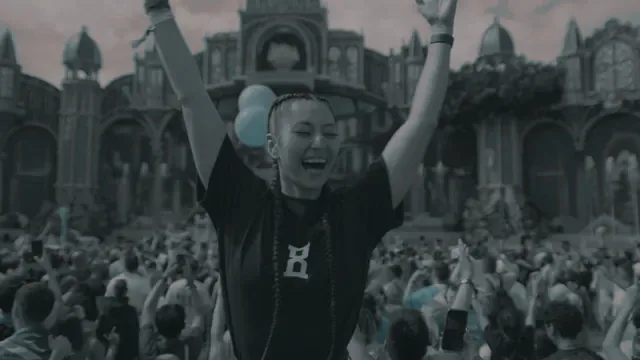
Free Concert LUTs
Colour presets for live music — concert halls, club stages, arena shows and the lighting rigs that make them hard to grade. 14 of them, free, for DaVinci Resolve, Premiere Pro and Final Cut Pro.
Why concert footage fights you
Stage lighting is not daylight. A rig is built from saturated, narrow-band LED and laser sources, so a red wash or a magenta spot can sit far outside the colour space your footage is delivered in. That is why the reds smear and the faces go plastic when you push a normal grade at it — the problem is out-of-gamut saturation, not simple over-exposure, and pulling exposure down does not fix it.
Two more things stack on top: venues are dark, so you are shooting at a high ISO with real noise in the shadows; and the stage wash and the house light are usually different colour temperatures, so no single white balance is right for the whole frame.
Taming blown stage colour in DaVinci Resolve
On your Color Space Transform node, set Gamut Mapping Method to Saturation Compression, then use Saturation Knee to choose where the roll-off starts. That compresses those extreme LED and laser colours back inside the container smoothly instead of letting them clip and posterise.
It is worth being precise about one thing: Highlight Recovery is not the tool for this. It lives in the Camera RAW tab and only applies to RAW formats such as X-OCN or BRAW — it does nothing for XAVC S-Log3, which is what most people are shooting at a show.
Exposing log at a show
Expose by the numbers, because the monitor is lying to you in a dark room. Middle grey (18% reflectance) sits at 41% IRE in S-Log3. Set Zebra 1 to 94% to catch laser spikes before the sensor clips. Skin lands in the 55–62% IRE band once you are exposing to the right by about a stop, which is what you want anyway to keep noise out of the shadows.
Full method in the S-Log3 exposure guide.
Correct, convert, then look
If you shot log, put it into Rec.709 before you put a look on it. A creative LUT expects footage that is already in Rec.709; dropped straight onto log it gives you the washed, milky image that makes people think the LUT is broken. Use a conversion LUT or a Color Space Transform first, then the look.
Concert & stage LUTs
Neon, dark and desaturated looks built for stage light
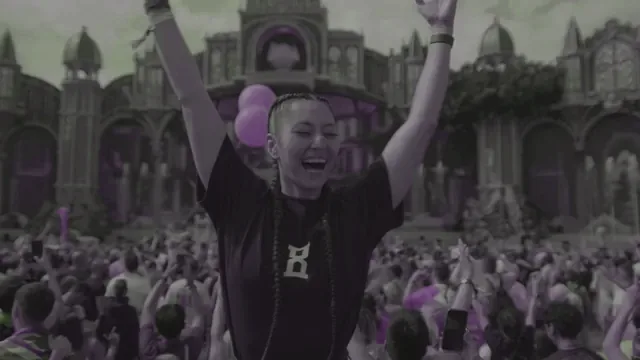
Goa Psytrance UV Matrix
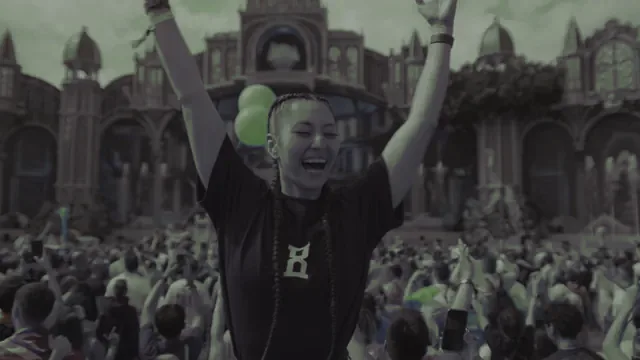
Heavy Riddim Bass
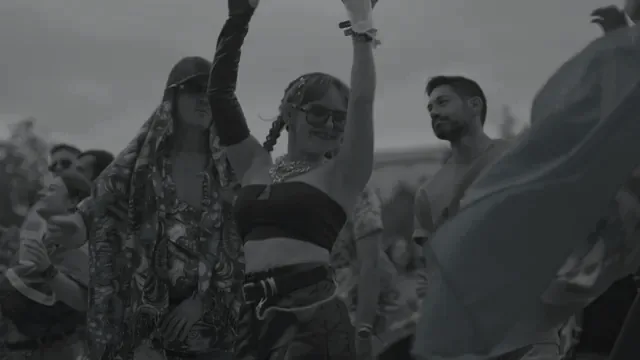
Deep Minimal Techno
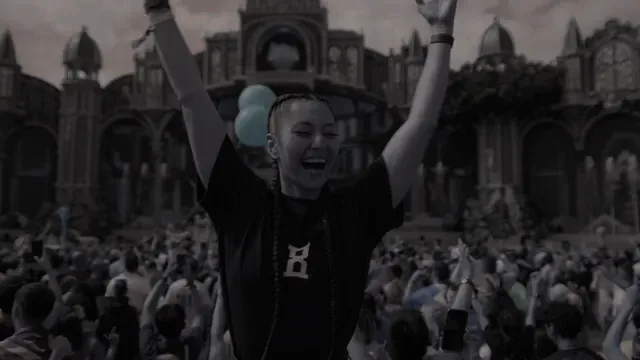
Hardcore Gabber Fire
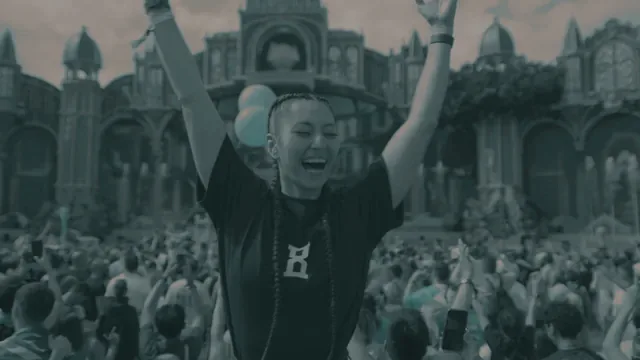
Mainstage Laser Storm
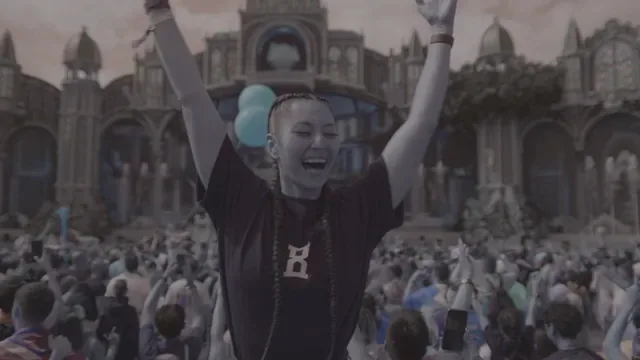
Short-Form Viral Glow
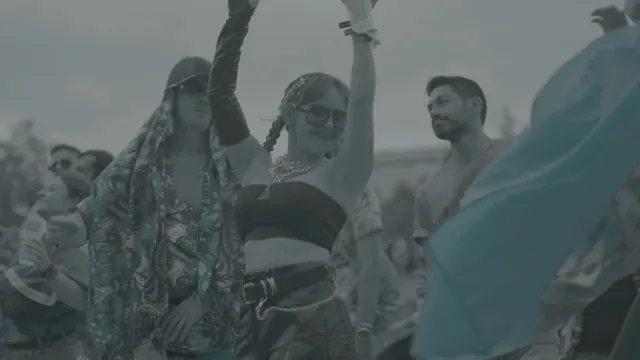
All-White Luminescence
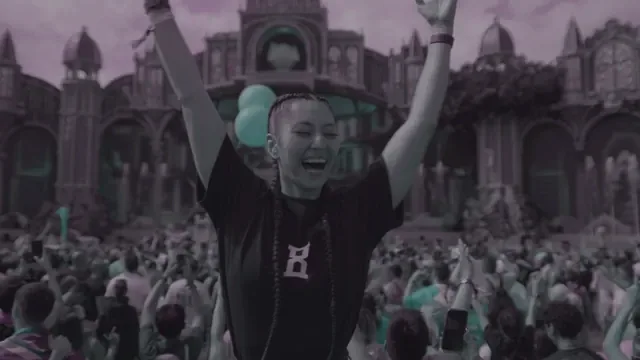
Miami Laser Fusion
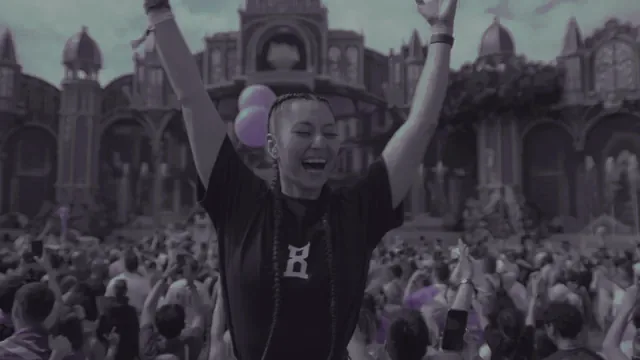
Neon City Rain
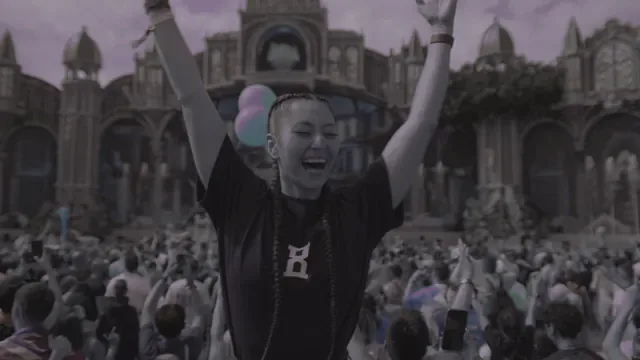
After-Dark Night Shift
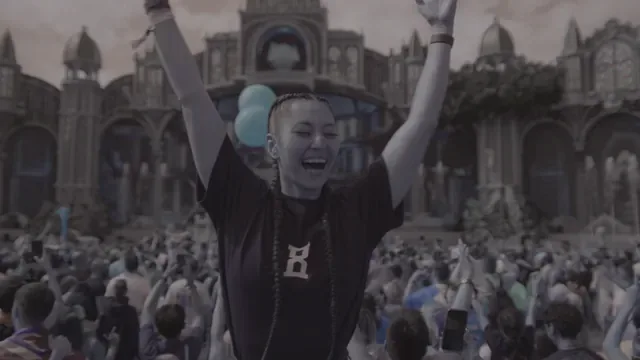
Arena Nightfall Violet
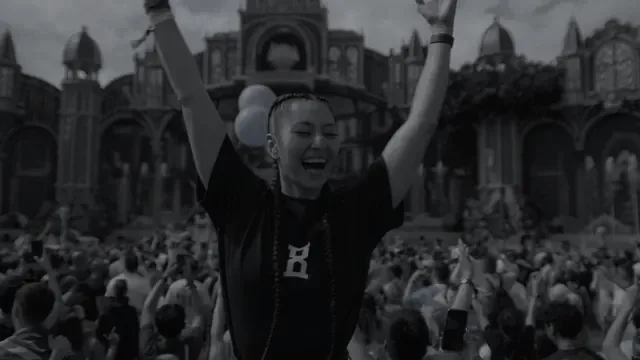
Warehouse Techno Vault
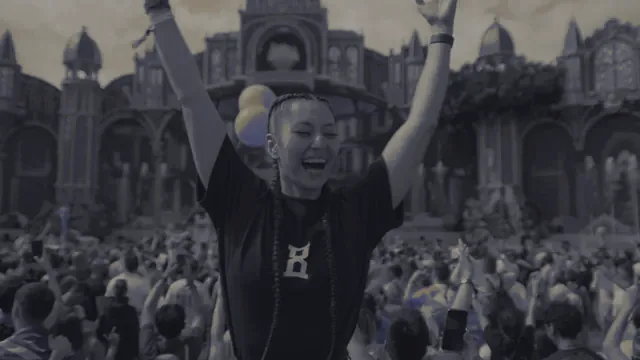
Warehouse Industrial Bass