Don't be a gatekeeper — keep the industry moving.
Free Concert & Festival LUTs
Free LUTs built and tested for concert, rave and live-music footage — for DaVinci Resolve, Premiere Pro and Final Cut Pro. No paywall, no account, no email.
Top 10 Festival LUTs
Ranked by all-time downloads
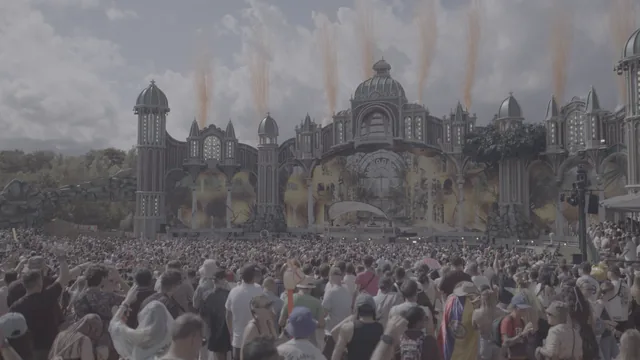
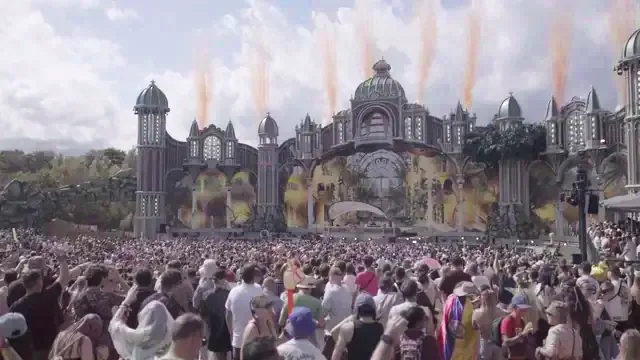
Sony S-Log3 → Rec.709
Technical S-Log3 / S-Gamut3.Cine to Rec.709 conversion. This is a neutral normalisation, not a creative look — it puts log footage on a correct display-referred starting point so you can grade from there. Built from the published transfer function and gamut matrix, with a highlight shoulder so over-white detail rolls off instead of clipping. 33×33×33.
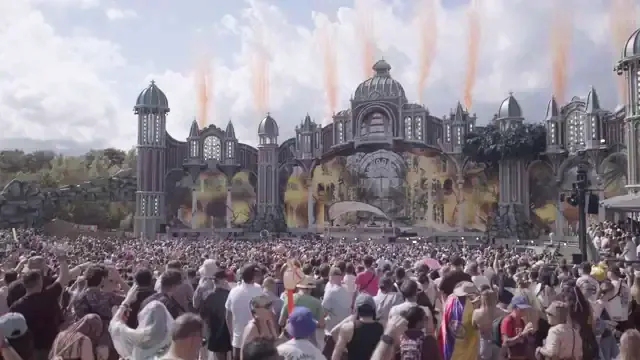
Apple Log → Rec.709
Technical Apple Log / Rec.2020, iPhone 15 Pro and later to Rec.709 conversion. This is a neutral normalisation, not a creative look — it puts log footage on a correct display-referred starting point so you can grade from there. Built from the published transfer function and gamut matrix, with a highlight shoulder so over-white detail rolls off instead of clipping. 33×33×33.
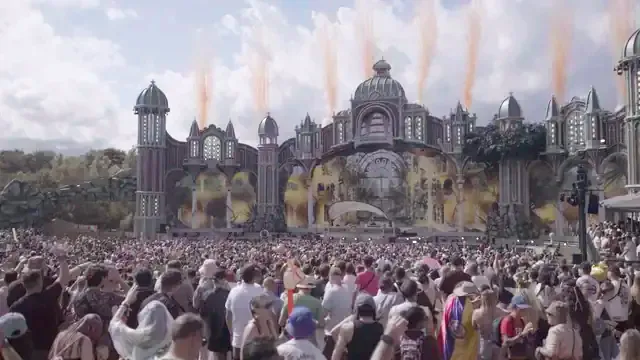
Canon C-Log3 → Rec.709
Technical C-Log3 / Cinema Gamut to Rec.709 conversion. This is a neutral normalisation, not a creative look — it puts log footage on a correct display-referred starting point so you can grade from there. Built from the published transfer function and gamut matrix, with a highlight shoulder so over-white detail rolls off instead of clipping. 33×33×33.
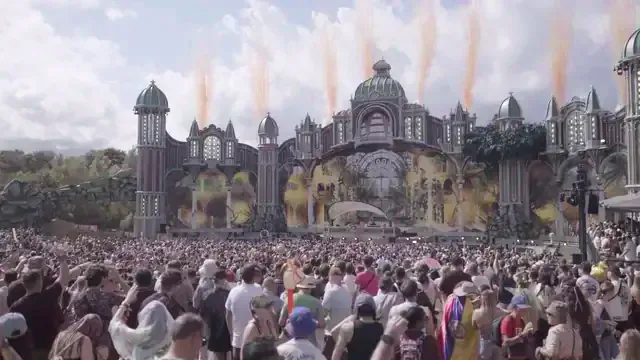
ARRI LogC3 → Rec.709
Technical LogC3 EI 800 / ALEXA Wide Gamut to Rec.709 conversion. This is a neutral normalisation, not a creative look — it puts log footage on a correct display-referred starting point so you can grade from there. Built from the published transfer function and gamut matrix, with a highlight shoulder so over-white detail rolls off instead of clipping. 33×33×33.
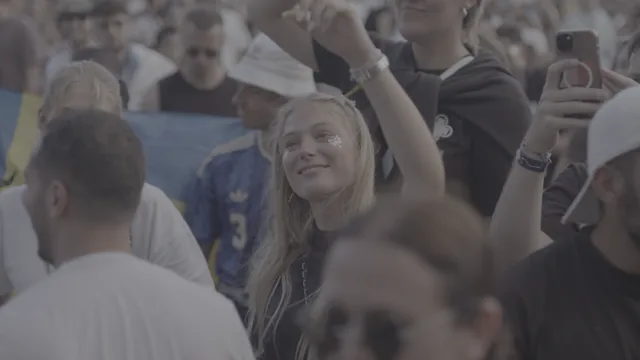
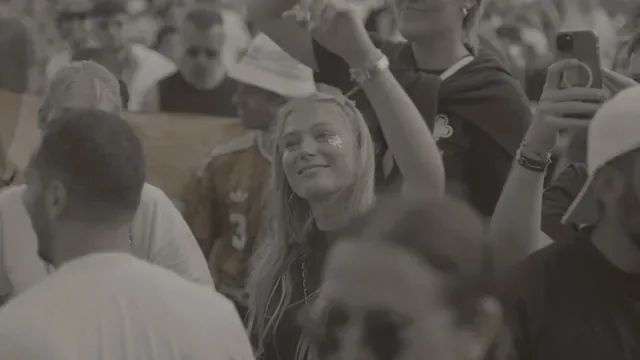
Warm 400 Film Standard
Warm colour-negative film emulation in the spirit of classic 400-speed portrait stock, adapted for festival day and night footage. Soft highlight compression, warm skin tones and rich midtones.
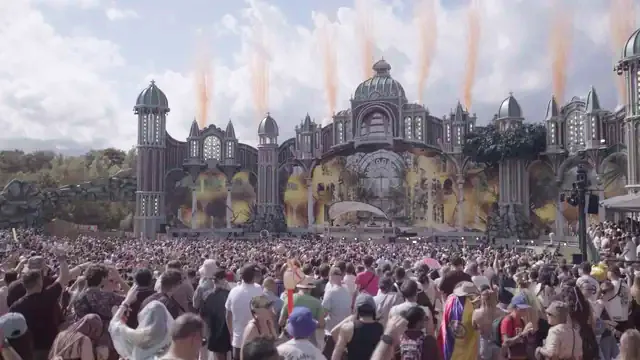
RED Log3G10 → Rec.709
Technical Log3G10 / REDWideGamutRGB to Rec.709 conversion. This is a neutral normalisation, not a creative look — it puts log footage on a correct display-referred starting point so you can grade from there. Built from the published transfer function and gamut matrix, with a highlight shoulder so over-white detail rolls off instead of clipping. 33×33×33.
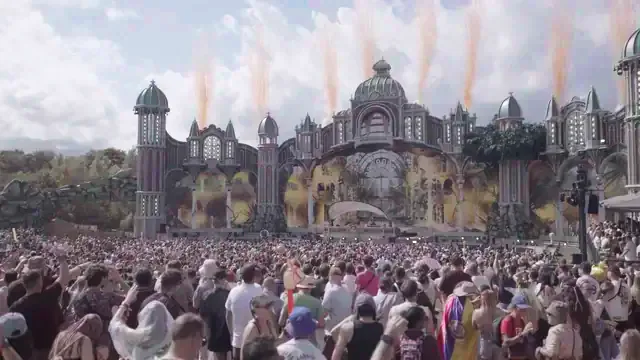
Panasonic V-Log → Rec.709
Technical V-Log / V-Gamut to Rec.709 conversion. This is a neutral normalisation, not a creative look — it puts log footage on a correct display-referred starting point so you can grade from there. Built from the published transfer function and gamut matrix, with a highlight shoulder so over-white detail rolls off instead of clipping. 33×33×33.
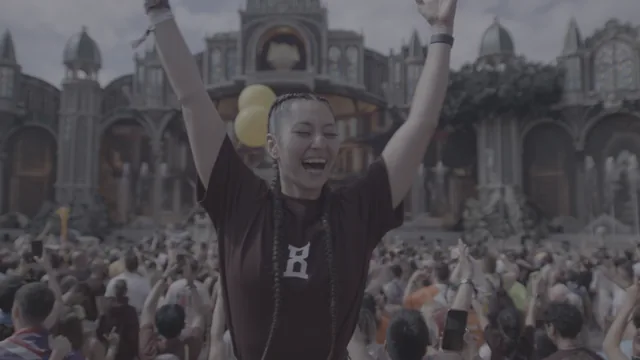
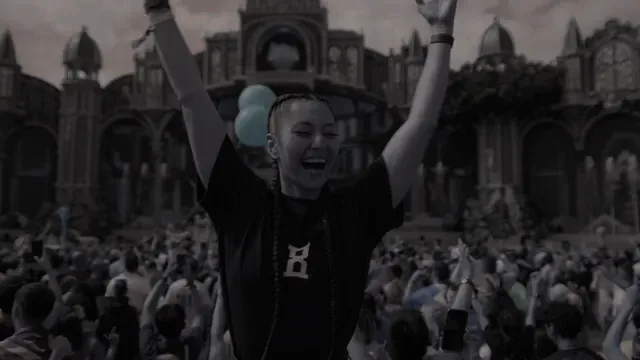
Hardcore Gabber Fire
Pitch-black shadow clamping, blazing fiery orange & yellow explosion highlights for maximum hardcore festival intensity.
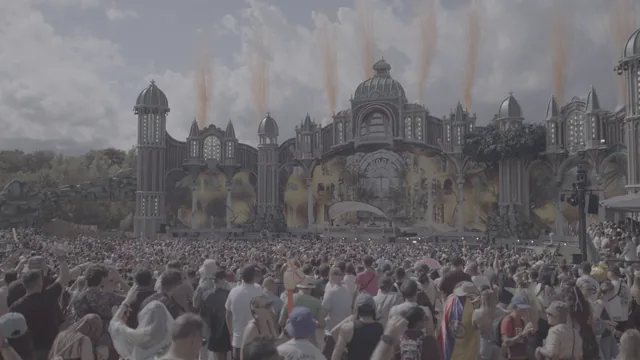
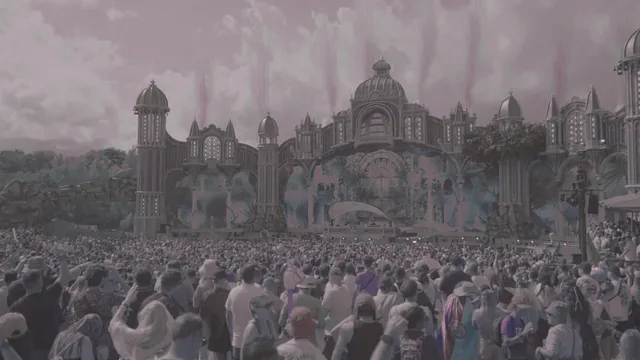
Mystic Field Magic Haze
Soft floral pinks, warm sunbeams, vintage low-contrast shadows, and fairytale glow for bohemian and fantasy art festivals.
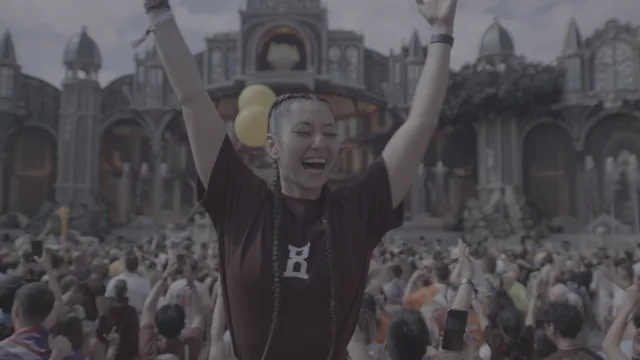
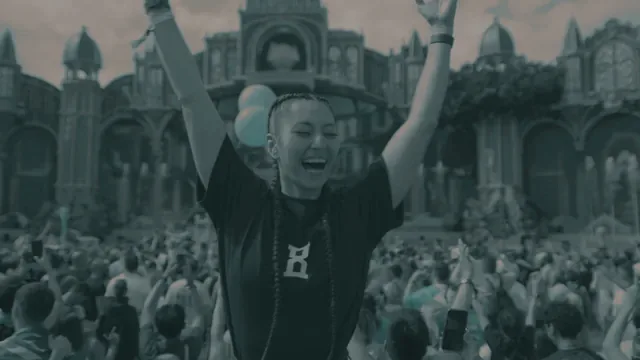
Mainstage Laser Storm
Hyper-contrasted beam clarity with electric teal stage lights and pop-out strobe highlights for massive festival outdoor structures.
Got a look worth sharing?
Every LUT you upload gets its own page, its own link and your name on it — ready to post the moment it's live.
The Academy
The catalogue shows you what a look does. The Academy explains why it did something else on your footage — exposure, log conversion, and the node order that keeps the two jobs apart. Every figure is computed from the colour library this site runs on.
Frequently asked questions
LUTs, log footage, and getting a grade to look right
What is a LUT?
A lookup table: a file that maps every input colour to an output colour. Load one into your editor and it applies that mapping to every frame. It is a saved colour transformation, not an effect with settings.
The file stores that mapping as a 3D lattice and interpolates between the points. The creative looks here are 17×17×17; the technical conversions are 33×33×33, because a conversion has to be accurate rather than merely pleasing.
What is the difference between a creative LUT and a log conversion LUT?
A conversion LUT is technical: it takes footage in one specific log format and puts it into Rec.709 correctly. A creative LUT is a look — contrast, colour, mood — and it expects footage that is already in Rec.709.
They are not interchangeable, and the order matters: correct your exposure, convert, then apply the look. Applying a creative LUT straight to log footage is the single most common reason a LUT "doesn't work".
Do I need to convert S-Log3 before applying a creative LUT?
Yes. S-Log3 is a recording format, not a viewing one — deliberately flat and desaturated so it can hold the dynamic range. A creative LUT built for Rec.709, dropped straight onto S-Log3, gives you a washed, milky image.
Convert first, with a Color Space Transform or with our Sony S-Log3 → Rec.709 conversion, then put the creative look after it.
What node order should I use in DaVinci Resolve?
Three serial nodes, and the order matters more than the count. Node 1 — primary exposure and white balance, on the native log image. Node 2 — Color Space Transform: Input Sony S-Log3 / S-Gamut3.Cine, Output Rec.709 / Rec.709. Node 3 — the creative LUT, which expects Rec.709.
Correct before you convert. The Offset wheel only behaves like a real exposure adjustment on log data, and once the transform has squeezed your highlights into Rec.709’s much smaller range, pulling exposure down afterwards drags that compressed block down as a whole — you get muddy greys, not recovered detail. The look goes last, because a LUT is a fixed mapping and anything you correct downstream of it is fighting a transformation that has already happened.
The fuller professional version is the "sandwich": convert into DaVinci Wide Gamut / Intermediate, grade there, then convert out to Rec.709 and put the look after that.
Which software works with these?
Anything that reads .cube: DaVinci Resolve, Premiere Pro, Final Cut Pro and After Effects, among others.
Uploads may also be .3dl, .look, .mga or .csp.
Why does my LUT look wrong on my footage?
Almost always a mismatch between what the LUT expects and what it was given. Three causes, in order of frequency: a Rec.709 creative LUT applied to log footage; a conversion LUT for the wrong log format; or a double conversion — a Color Space Transform and a conversion LUT on the same clip.
The third is the sneaky one, because each step is individually correct.
What is Rec.709?
The standard colour space for HD video, and what most screens and most delivery specs assume. It defines the primaries, the white point and the transfer function — the Rec.709 OETF.
"Converting to Rec.709" means re-encoding log footage so it looks correct on an ordinary display. It is the destination for every conversion LUT here.
Which conversion LUT do I pick?
Match the log format you recorded, not the camera's marketing name. We ship six: Sony S-Log3, Canon C-Log3, Apple Log, RED Log3G10, Panasonic V-Log and ARRI LogC3.
Blackmagic Film Gen5 and DJI D-Log are deliberately absent until they have been cross-checked against a Resolve CST — better six conversions that are right than eight where two are guesses. They all live in Log → Rec.709 Conversion.
Can I use these LUTs commercially?
Yes — including client work and paid advertising, at no cost and with no tier to upgrade to. Every LUT here is free for personal and commercial use unless the uploader specifies otherwise. Attribution to the original creator is appreciated but not required, and no account is needed to download.
There is no extended licence, because there is nothing to extend. FestivalLuts is free and funded by advertising. The terms are the authority on this.
Tips
- Expose S-Log3 by the numbers, not the picture. Middle grey (18% reflectance) sits at 41% IRE, and Zebra 1 at 94% catches stage laser spikes before the sensor clips. The 55–62% IRE skin-tone band assumes you are exposing to the right by roughly a stop to keep noise out of the shadows — at a strictly nominal exposure, skin sits lower. Full method in the S-Log3 exposure guide.
- Conversion before creative. Always. A conversion normalises; a creative look decorates. Reverse them and the look is operating on data it was never built for.
- For blown-out stage lighting, reach for the CST's Gamut Mapping, not Highlight Recovery. Set Gamut Mapping Method to Saturation Compression and use Saturation Knee to set where the roll-off begins. LED and laser spikes are usually out-of-gamut saturation rather than simple over-exposure, and that is the control that rolls them off cleanly. Highlight Recovery is a different tool for a different job — it lives in the Camera RAW tab and only applies to RAW formats such as X-OCN or BRAW, not to XAVC S-Log3.