Sony S-Log3 → Rec.709
Technical S-Log3 / S-Gamut3.Cine to Rec.709 conversion. This is a neutral normalisation, not a creative look — it puts log footage on a correct display-referred starting point so you can grade from there. Built from the published transfer function and gamut matrix, with a highlight shoulder so over-white detail rolls off instead of clipping. 33×33×33.
Uploaded by  Leo @leo
· 250 downloads · ♥ 3 saves
· Report
Your look is queued. Follow @festivalluts so you catch your tag if selected for our Friday Creator Spotlight.
See the Grade Live
No Sony S-Log3 footage here yet
This page has no frame shot in Sony S-Log3, so it shows no preview. Have you used this conversion on Sony S-Log3 footage of your own? Share a frame you graded with it.
Share a graded frameCompare it with the rest of the library in the LUT Optimizer →
Try it on your footage
Drop in a still and see this LUT on your own frame. Your image stays in your browser — nothing is uploaded.
Field notes
This LUT turns Sony S-Log3 footage shot in S-Gamut3.Cine into Rec.709. It is a technical conversion, not a creative look: it undoes the S-Log3 curve, maps S-Gamut3.Cine color into Rec.709, rolls highlights off gently instead of clipping them, and applies the Rec.709 display curve. Put it at the start of your grade: fix exposure and white balance on the log image, apply this LUT, then grade or add a look on top.
Cameras that record S-Log3
- Cinema Line: FX3, FX3A, FX30, FX2, FX5, FX6, FX9, FR7, Burano
- Alpha: a7S III, a7 IV, a7 V, a7C II, a1 II, a6700, ZV-E1, ZV-E10 II
Camera setup
- FX3 (firmware Ver. 2 or later) and FX30: MENU → Shooting → Image Quality/Rec → Log Shooting Setting. Set Log Shooting to Flexible ISO, Cine EI Quick or Cine EI, and Color Gamut to S-Gamut3.Cine/S-Log3.
- Alphas with that menu (a7S III, a7 V, a1 II, a6700, ZV-E1 and others): Log Shooting → On (Flexible ISO), with the same Color Gamut choice.
- Bodies without it (such as the a7 IV): Picture Profile → PP8, which is S-Log3 gamma with the S-Gamut3.Cine color mode.
PP9 and the S-Gamut3/S-Log3 option record S-Gamut3 instead; this LUT is not built for it.
Exposing in dark venues
Sony puts 18% gray at 41% (10-bit code 420) and 90% white at 61% in S-Log3. After this LUT, a gray card lands near 37% and a face exposed one stop over gray near 51%.
In Cine EI, Sony advises shooting at the base ISO for the least noise, and setting the EI below it, which records brighter, for more freedom in dark scenes. A higher EI adds noise. The base ISOs are 800 and 12800 on the FX3, 800 and 2500 on the FX30, 800 and 4000 on the FX2, and 800, 4000 and 12800 on the FX5.
On a stage, the LED wall is often the brightest thing in frame. Close down until it stops clipping and the faces drop into the noisy low end of S-Log3. Expose for the faces instead. This LUT's soft shoulder rolls off a wall a few stops brighter than them, but it can't take noise back out.
In our festival work, this is the utility transform we drop on FX3, FX6, and A7S III B-cam timelines for backstage coverage, FOH crowd sweeps, and same-night editor dailies before a creative look is chosen.
On the FX3 and FX6 we keep custom zebra 1 at 52% IRE for key-lit skin and zebra 2 at 94% IRE as a hard warning on LED wristbands and moving-head beams.
Applying it
- DaVinci Resolve: Project Settings → Color Management → Lookup Tables → the LUT Folder button, copy the file in, click Update Lists, then right-click a node → 3D LUT.
- Premiere Pro: Lumetri Color → Basic Correction → Input LUT → Browse. If the clip already looked normal before the LUT, Premiere converted it: turn on Preserve RGB under Lumetri Color → Settings → Source Clip.
- Final Cut Pro: it applies its own Sony S-Log3 LUT when it reads the clip's metadata. Set Camera LUT to None (Info inspector, Settings view), then add this file with the Custom LUT effect.
Full install steps: Installing .cube LUTs
Common mistakes
- Wrong gamut. S-Gamut3 footage run through an S-Gamut3.Cine LUT comes out with shifted colors.
- Converting twice. Your editor already converted the clip and this LUT goes on top: harsh contrast, heavy saturation.
- A creative look first. Looks made for Rec.709 expect converted footage.
- Fixing exposure after the LUT. Anything the LUT clipped to white is gone by then. Adjust the log image first.
Troubleshooting: loading it into the camera
- Bodies with Log Shooting take up to 16 user LUTs as 17- or 33-point .cube files; this one is 33-point. Sony asks for a single-byte alphanumeric file name of 63 characters or fewer, including ".cube". Copy it to /Private/Sony/PRO/LUT on an SD card, or /Sony/PRO/LUT on CFexpress Type A.
- The FX5 imports LUTs as Base Looks and rejects .cube files larger than about 1 MB. This file is just under that.
On an FX6 main-stage crowd pan under 455 nm royal-blue wash and white strobe bursts, this transform kept midtone denim and skin neutral, while a narrow-gamut Cobalt-Safe look was needed on the hero close-ups where the strobe crossed 80% S-Log3.
What this LUT does
Measured from the file itself: it adds contrast (about 74% steeper through the midtones); pushes saturation up around 47%; takes blacks to zero. It clips at least one channel on a saturated highlight, so give stage lasers and LED walls a look on the slider above before committing.
| Lattice | 33×33×33 (35,937 points) |
|---|---|
| Midtone contrast | +74% against the input |
| Saturation | +47% on average across the primaries and secondaries |
| Black point | 0 IRE |
| Mid gray out | 54 IRE |
| Neutral cast | neutral throughout |
| Highlight clipping | yes — at least one probe pins a channel at 100% |
How this was measured: a 21-step neutral ramp and nine saturated probes are pushed through the lattice and compared with what went in. Contrast is the slope between 35% and 65% input; saturation is the mean change in distance from the gray axis; the cast is the direction a neutral input comes out at three heights. Rec.709 luma throughout — the same coefficients the previewer uses, so these numbers describe the image in the slider above.
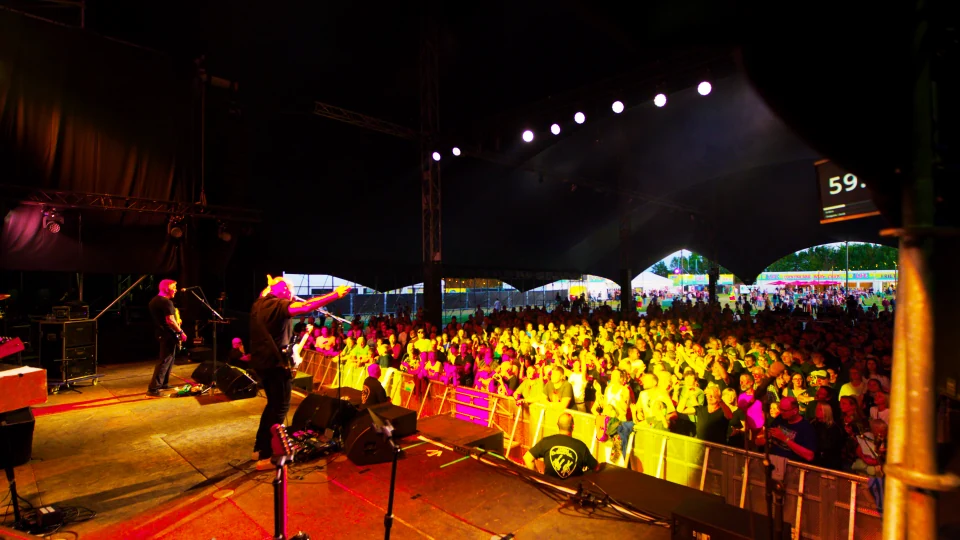
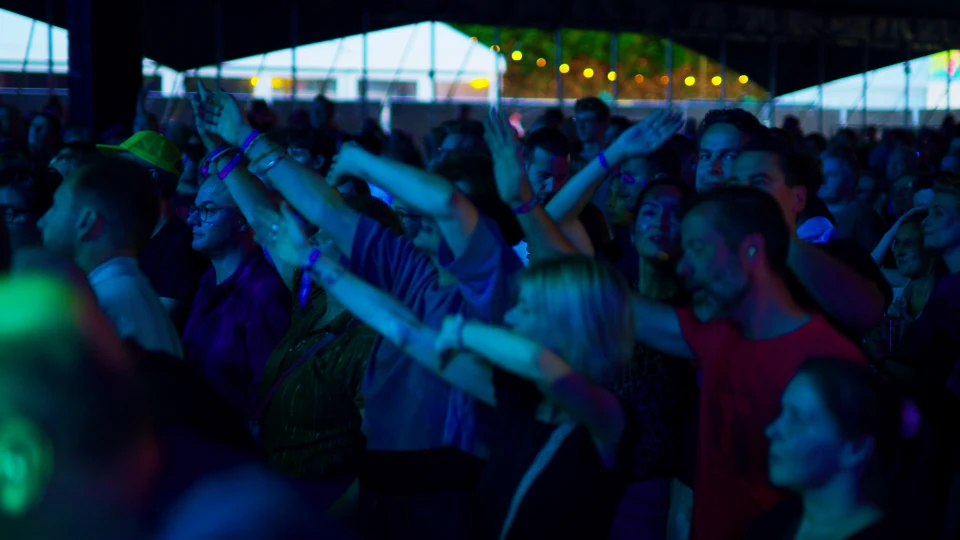
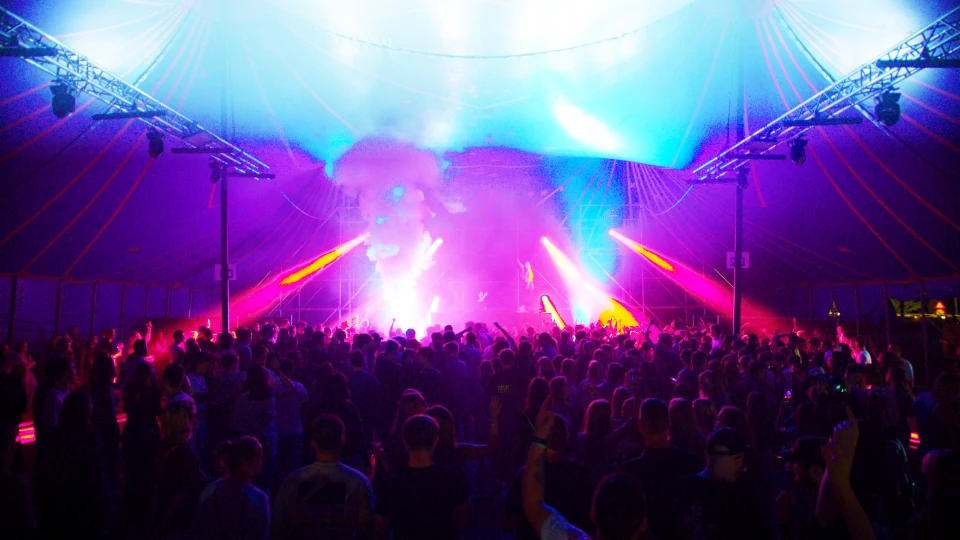
Creator
Leo  StaffOfficial FestivalLUTs staff. Only the people who run this site carry this badge. @leo
Master Colorist & Onsite DIT
On FestivalLUTs since November 2026
Tags
Community
Graded something with this look? Share a frame and say what you shot on, or ask the people who used it.
No comments yet. Start it off.
More like this
Other log → rec.709 conversion LUTs and packs
Canon C-Log3 → Rec.709
by @leo
Apple Log → Rec.709
by @leo
RED Log3G10 → Rec.709
by @leo
Panasonic V-Log → Rec.709
by @leo
ARRI LogC3 → Rec.709
by @leo
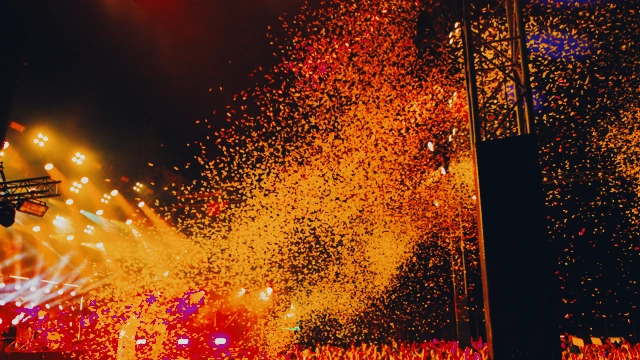
Mainstage Pyro Gold
by @leo
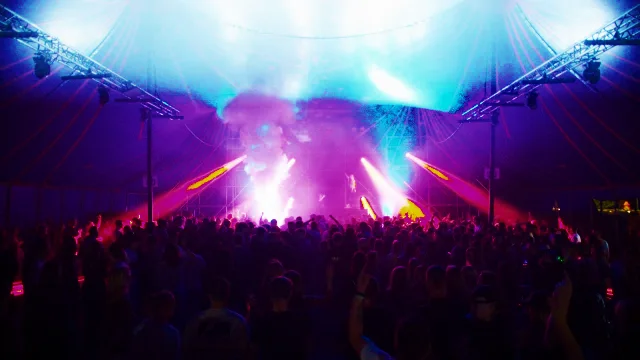
Blue Hour Warmth
by @leo
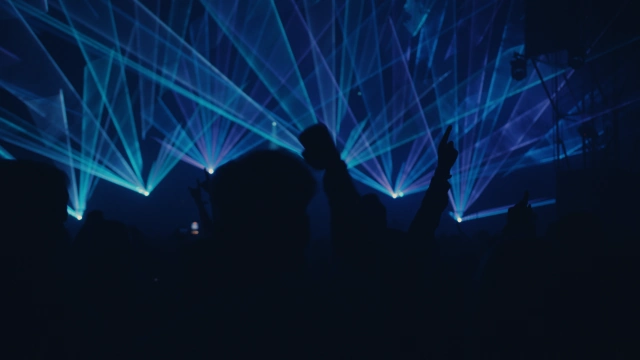
Laser Storm — Sapphire Tamer
by @leo
Browse by vibe
Move sideways through the catalog
How to install
Step-by-step for the app you edit in
Shooting or editing on mobile? Load .cube LUTs directly in Blackmagic Camera (iOS/Android), Panasonic Lumix Lab, or VN Video Editor.
Graded something with this look? Share the frame and say what you shot it on.
Sign in to comment