Laser Storm — Sapphire Tamer
A dark show LUT for Sony S-Log3 under lasers and strobes: royal-blue and violet beams turned towards clean sapphire, haze kept clear, crowd skin kept warm.
Uploaded by  Leo @leo
· 19 downloads · ♥ saves
· Report
Your look is queued. Follow @festivalluts so you catch your tag if selected for our Friday Creator Spotlight.
See the Grade Live
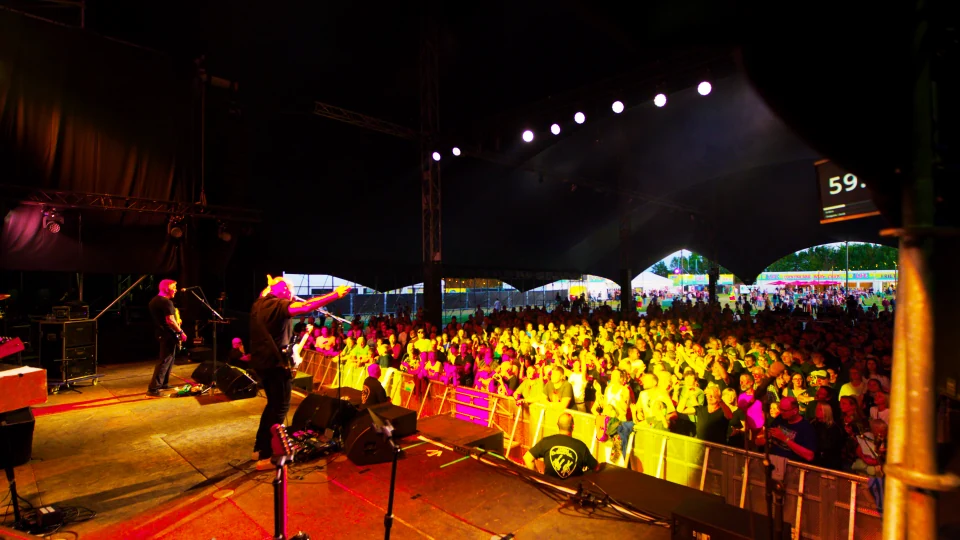
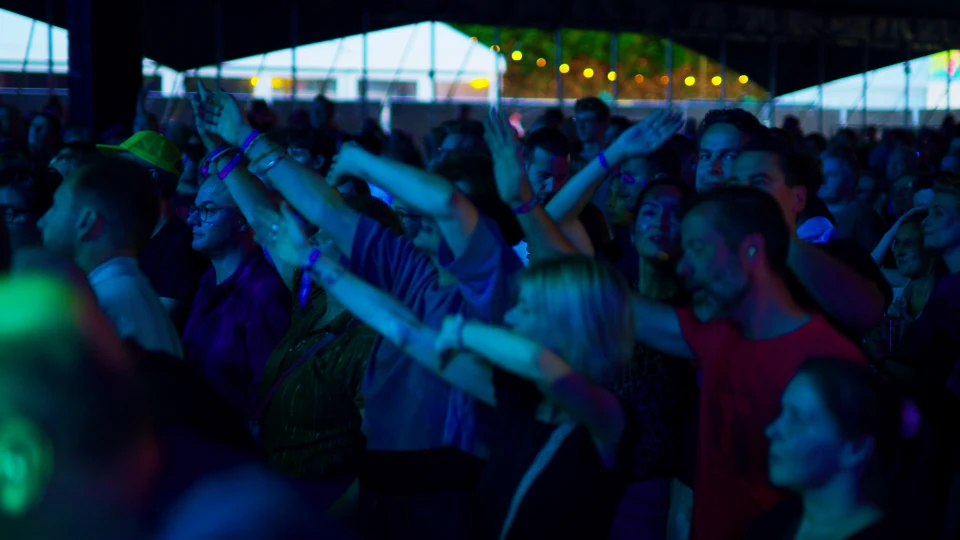
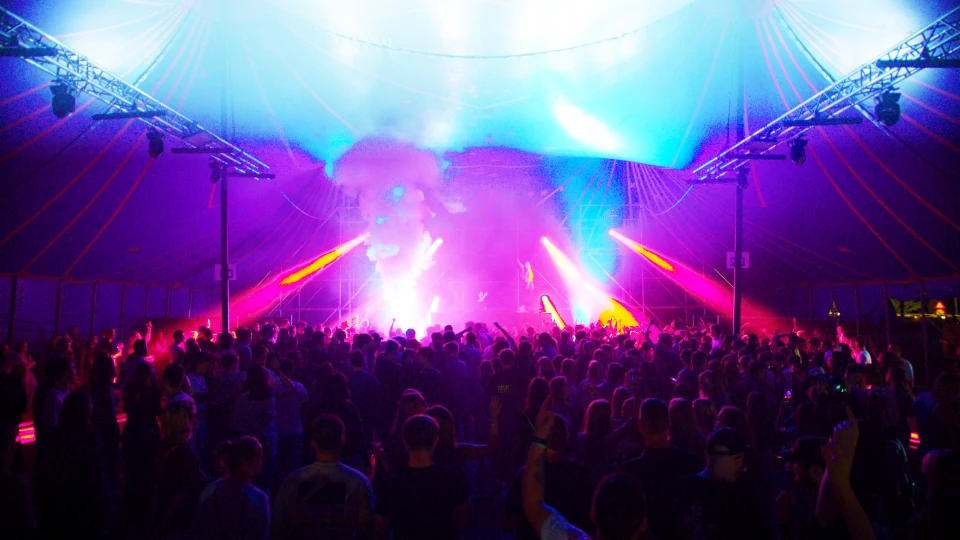
Drag the slider to compare ungraded and graded footage, against the camera’s log or against the same frame in Rec.709. Reference frames are RED footage from live events.
From the FestivalLUTs footage library · RED DSMC2 GEMINI 5K S35 · ISO 1600 · 4500 K
Audition it on RED footage in the LUT Optimizer →
Try it on your footage
Drop in a still and see this LUT on your own frame. Your image stays in your browser — nothing is uploaded.
Field notes
Where it works
Strobe-heavy stages and beam sweeps through haze, where most of the frame is crowd and smoke and the color comes from the rig. A 445 nm royal-blue laser sits at the very edge of Rec.709, and a plain conversion folds it into purple with a hard rim. This look turns that spike towards clean sapphire and lets its chroma arrive at the gamut edge instead of clipping onto it.
Exposure targets on S-Log3
- 18% grey at 41% comes out at 37%, the same as the plain conversion's 37%.
- Faces exposed into the 55–62% skin band, about a stop to the right, land at 64–75%. Skin hue moves 5° at most against the plain conversion.
- Zebras at 94% for the beam core: it arrives at 98%. A laser the camera itself clipped stays clipped, and no LUT brings it back, so protect the beams in camera.
In DaVinci Resolve
- Node 1, on the log image: exposure with Offset and white balance.
- Node 2: this LUT, with no Color Space Transform before it.
- Node 3: trims after the LUT. If a beam still reads too hot, pull saturation here rather than exposure.
What it does
A firm tone curve takes the shadows toward black without crushing them, so the darkest greys come out with a chroma of 0.003, and keeps highlights apart until late. Violet and blue above 0.16 chroma are turned by up to 18° towards sapphire (a test violet moves 15°) and pass through a knee that ends at the gamut edge. Cyan is held back a little, and green stays clean.
How this look was made
Free to use, share and adapt, in paid work too, as long as you credit Leo / FestivalLuts (festivalluts.com). Every step that made this file is in the recipe below.
Look by Leo  StaffOfficial FestivalLUTs staff. Only the people who run this site carry this badge.
Made with software from the recipe below, on the same transform library the previewer above runs.
It takes Sony S-Log3 straight from the camera.
DaVinci Resolve node tree
DaVinci Resolve node tree: Laser Storm — Sapphire Tamer (Sony S-Log3 footage)
Project: Color science DaVinci YRGB, timeline Rec.709 Gamma 2.4, so nothing converts the clip before node 01.

01  CORRECT  on the log image: Offset for exposure, Temp/Tint for white balance, noise reduction if needed
02  LUT      Laser Storm — Sapphire Tamer.cube, with no Color Space Transform before it: the file converts S-Log3 itself
03 TRIM after the LUT: saturation and contrast, within about 10%Want it as a .drx? Build these nodes once in DaVinci Resolve, grab a still in the Gallery, then right-click the still and export it: Resolve writes the .drx itself, ready to apply to the next clip.
The recipe
| Input | Sony S-Log3 / S-Gamut3.Cine, decoded with Sony’s published curve |
|---|---|
| Gamut | S-Gamut3.Cine to Rec.709, the matrix from Sony’s published primaries |
| Gamut compression | starts 80% of the way to the Rec.709 edge (ACES curve, power 1.2); the edge of S-Gamut3.Cine in each hue, up to 1.55× that distance, lands exactly on the Rec.709 edge |
| Tone | extended Reinhard shoulder per channel, white at S-Log3 100% (7.7 stops over grey); BT.709 transfer |
| 1 · Neutral Spine Lock | every split tone is multiplied by sin²(π · (L − 0.06) ÷ 0.88) on OKLab lightness L: zero at L ≤ 0.06 and at L ≥ 0.94, full in the middle. This look tints shadows OKLab a 0, b -0.005, always through that window and fading out in saturated color |
| 2 · 3D skin protection | a cone in OKLCh around 48° ± 14°, chroma 0.08 ± 0.045, lightness 0.3–0.82: cold tints are cut by 85% inside it, warm ones by 30%, hue sculpting by 60%, and the hue is drawn 25% of the way to the skin line |
| 3 · Subtractive density | lightness − 0.78 × chroma^1.4: deeper color gives up light, as dye does. It fades in over the shadows (none at lightness ≤ 0.06) and never takes more than 35% of the lightness |
| 4 · Laser gamut knee | chroma above 0.16 in the 265–325° sector: hue turned 10–18° × 1 towards sapphire, then a tanh knee to the gamut edge |
| 5 · 18% grey anchor | brutalist club curve through the plain conversion’s 18% grey exactly (S-Log3 41% → 37% on both), middle slope ×1.21, S-Log3 100% → 99% |
| Hue sculpting | chroma gain by hue, strongest mid-range and easing to nothing at the Rec.709 edge: cyan ×0.8, blue ×1.06, green ×1.06, magenta ×0.88 |
| Measured | 18% grey (S-Log3 41%) → 37%; zebra point (94%) → 98%; darkest greys keep a chroma of 0.003 |
| Lattice | 33×33×33 (35,937 points), red-fastest |
What this LUT does
Measured from the file itself: it adds contrast (about 84% steeper through the midtones); pushes saturation up around 41%; takes blacks to zero.
| Lattice | 33×33×33 (35,937 points) |
|---|---|
| Midtone contrast | +84% against the input |
| Saturation | +41% on average across the primaries and secondaries |
| Black point | 0 IRE |
| Mid gray out | 56 IRE |
| Neutral cast | neutral throughout |
| Highlight clipping | none in the probes tested |
How this was measured: a 21-step neutral ramp and nine saturated probes are pushed through the lattice and compared with what went in. Contrast is the slope between 35% and 65% input; saturation is the mean change in distance from the gray axis; the cast is the direction a neutral input comes out at three heights. Rec.709 luma throughout — the same coefficients the previewer uses, so these numbers describe the image in the slider above.
Creator
Leo StaffOfficial FestivalLUTs staff. Only the people who run this site carry this badge. @leo
Master Colorist & Onsite DIT
On FestivalLUTs since November 2026
Tags
Community
Graded something with this look? Share a frame and say what you shot on, or ask the people who used it.
No comments yet. Start it off.
More like this
Other dark & moody LUTs and packs
Titanium Rig
by @leo
Velvet Encore
by @leo
Midnight Tent Slate
by @eric
Ruby Afterhours
by @leo
Polar Night
by @leo
Warehouse Techno Vault
by @leo
Raw green purple techno style
by @julespeeters
Sony S-Log3 → Rec.709
by @leo
More from Leo
Apple Log → Rec.709
by @leo
Canon C-Log3 → Rec.709
by @leo
RED Log3G10 → Rec.709
by @leo
Scarlet Drop
by @leo
Browse by vibe
Move sideways through the catalog
How to install
Step-by-step for the app you edit in
Shooting or editing on mobile? Load .cube LUTs directly in Blackmagic Camera (iOS/Android), Panasonic Lumix Lab, or VN Video Editor.
Graded something with this look? Share the frame and say what you shot it on.
Sign in to comment