Free Canon C-Log3 LUTs
Technical Canon Log 3 / Cinema Gamut to Rec.709 conversion and concert-tested creative looks for Canon EOS R5 C, C70, C80, C400 and R6 Mark II. 16 of them, free, for DaVinci Resolve, Premiere Pro and Final Cut Pro.
Why Canon C-Log3 behaves differently under stage light
Canon Log 3 places 18% middle grey at 34.3% IRE (10-bit code value 351) — nearly 7% IRE lower than Sony S-Log3 (41.1% IRE) and 14.5% lower than Apple Log (48.8% IRE). That lower middle-grey anchor reserves ~6.3 stops of highlight headroom in Canon’s 1600% dynamic range mode (Base ISO 800 on EOS C70, C80, and R5 C), while keeping shadow tones steeper and cleaner than legacy C-Log2 when shooting dark club venues.
When paired with Canon Cinema Gamut, narrow-band red and magenta LED wash fixtures can sit well outside Rec.709. Our Canon C-Log3 to Rec.709 conversion LUT compresses those extreme Cinema Gamut primaries smoothly before the highlight shoulder clips.
Exposing Canon C-Log3 on EOS C70, C80 & R5 C
In a dark venue, expose by the waveform rather than the LCD: place lit skin tones at 45–52% IRE (roughly +0.7 to +1.0 stop above the 34.3% middle-grey line) and set your highlight zebra at 90–92% IRE to protect LED video walls and moving-head beams. Keep Dual Gain Output (DGO) active at Base ISO 800 on the C70/C80, or switch cleanly to the high base (ISO 3200 / 12800 on C80, ISO 3200 on R5 C) rather than pushing intermediate digital gain.
Read the complete measured reference in the Exposing Canon C-Log3 on Stage guide and the Canon Cinema EOS hub.
Node order in DaVinci Resolve, Premiere Pro & Final Cut Pro
Place Canon C-Log3 → Rec.709 (or a Color Space Transform from Canon Cinema Gamut / Canon Log 3 to Rec.709 with Saturation Compression enabled) AFTER your exposure and white-balance trim node, then place any creative concert look from the grid below on a downstream node. Or use Canon C-Log3 Ember Stage Grade for a direct single-LUT stage grade.
Canon C-Log3 Conversion & Stage LUTs
Canon C-Log3 transforms first, followed by universal creative looks for downstream nodes
Canon C-Log3 → Rec.709
by @leo
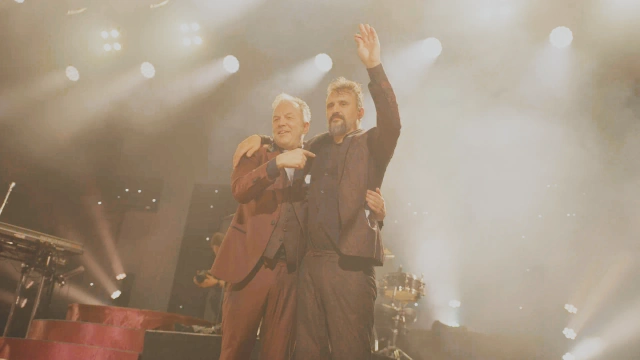
Glacier Hour
by @leo
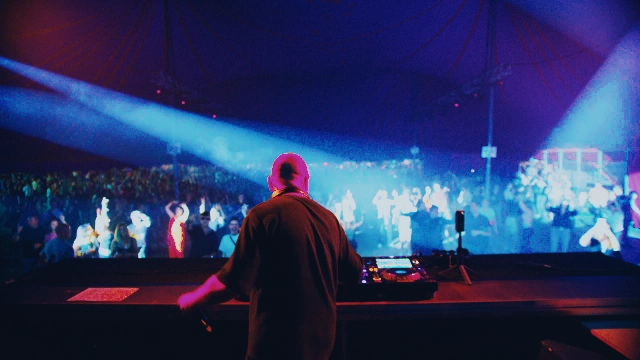
Polar Night
by @leo
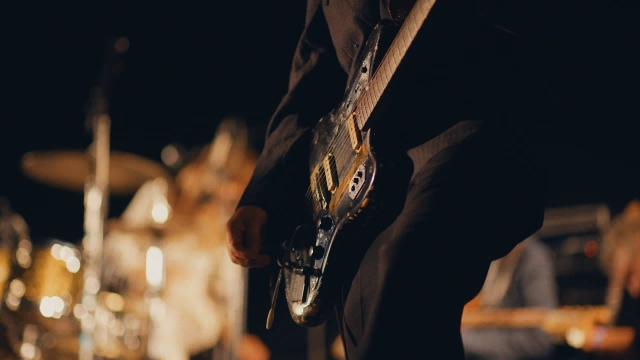
Silver Countdown
by @leo
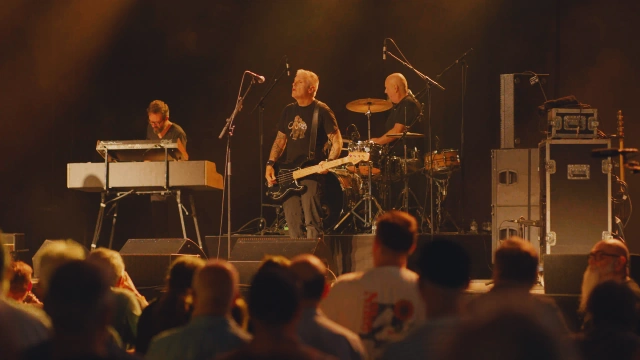
Brass Daybreak
by @leo
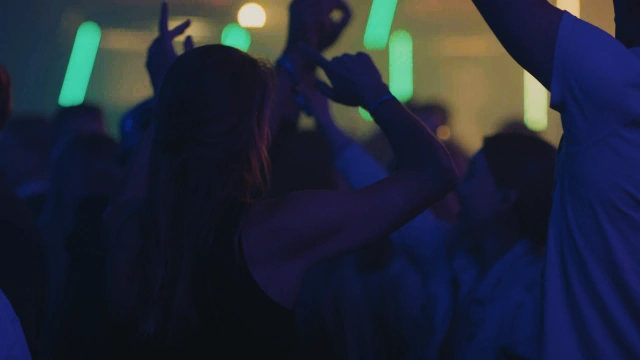
Lagoon Static
by @leo
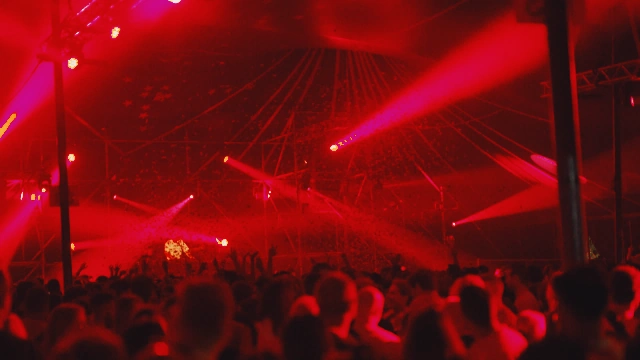
Ruby Afterhours
by @leo
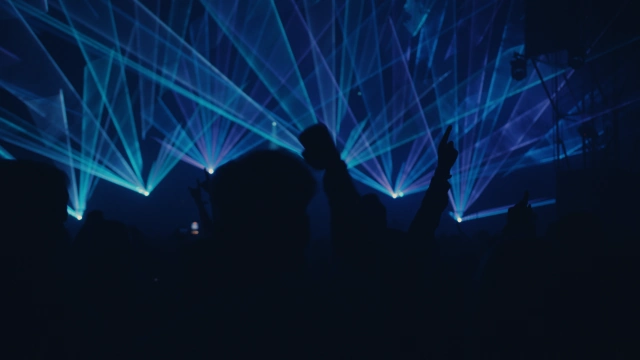
Midnight Headliner
by @leo
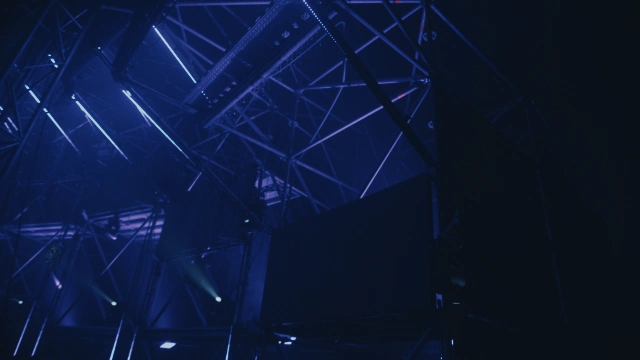
Titanium Rig
by @leo
Velvet Encore
by @leo
Scarlet Drop
by @leo
Solar Horizon
by @leo
Soft Stage Shoulder
by @valmera
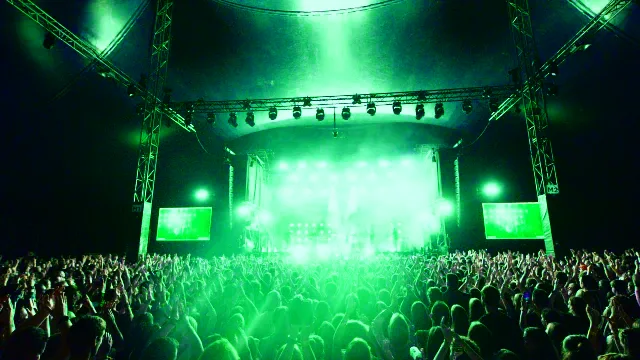
Blue hour warmth custom
by @julespeeters
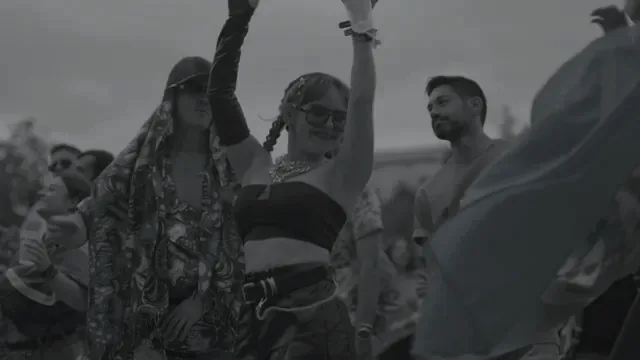
Deep Minimal Techno
by @leo
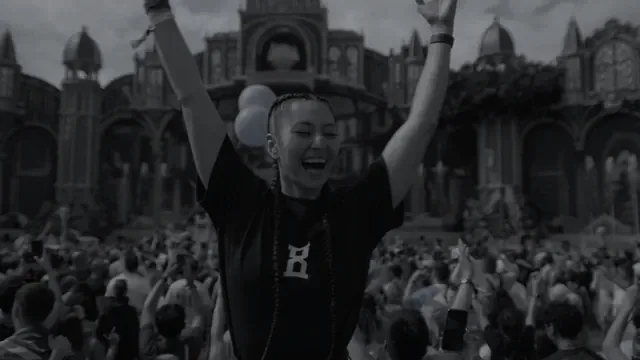
Warehouse Techno Vault
by @leo