 Panasonic V-Log
Free Concert & Stage Log Practice Footage
53 real, ungraded stage and festival clips with measured IRE telemetry, Log ↔ Rec.709 wipe previews, and direct downloads — built for testing 3D .cube LUTs under real narrow-band LEDs, haze, and moving-head beams. No account, no watermark.
Practice footage clips
Panasonic V-Log
 Panasonic V-Log
 Panasonic V-Log
 Panasonic V-Log
 Panasonic V-Log
 Panasonic V-Log
 Panasonic V-Log
 Panasonic V-Log
Why practice on real stage log footage instead of daylight charts
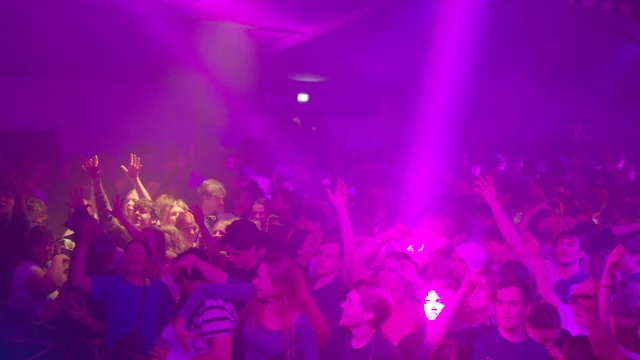
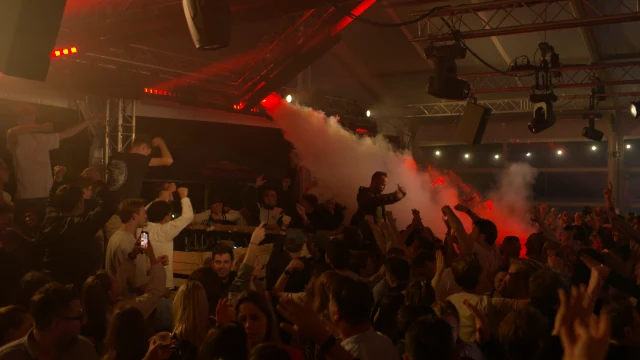
Daylight color charts rarely break a 3D LUT. Concert and festival rigs do: narrow-band 450 nm royal-blue LEDs, saturated magenta washes, dense atmospheric haze, and sudden strobe peaks push values outside the Rec.709 gamut boundary even when waveform luminance looks safe. Testing a transform across low-key frames (median 8–15% IRE) and high-peak frames (85–100% IRE) reveals gamut clipping, skin-tone shift, and shadow-toe banding immediately.
Camera curves represented in this archive
- RED Log3G10 / REDWideGamutRGB (35 clips) — Recorded on RED DSMC2 GEMINI 5K S35 across ISO 640, 1000, 1600, 3200, and 4000 (4500–5800 K). 18% middle gray sits at 33.33% IRE (10-bit code 341) with 10.00 stops of file headroom above gray. Pair with our free RED Log3G10 → Rec.709 LUT or browse the RED Log3G10 hub.
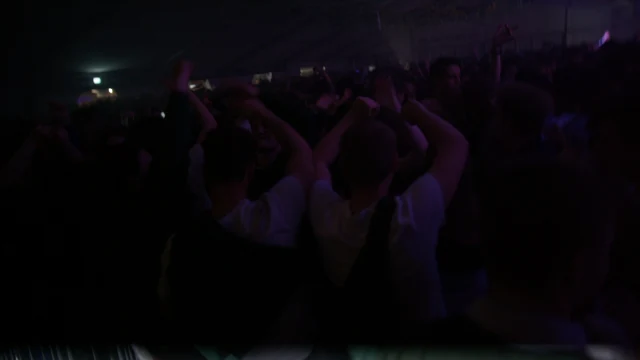
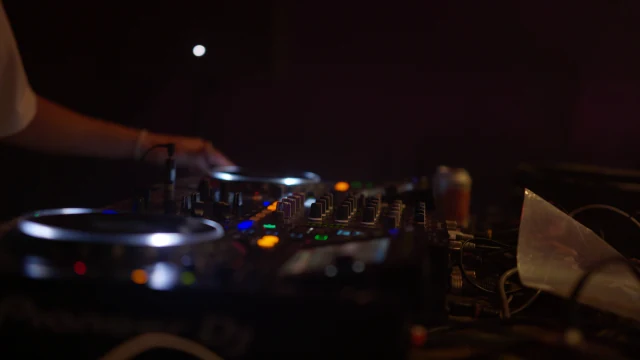
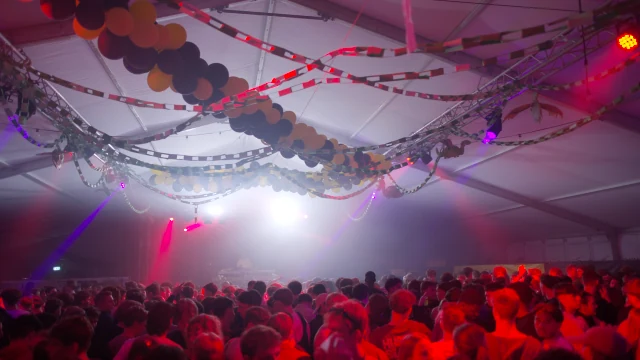
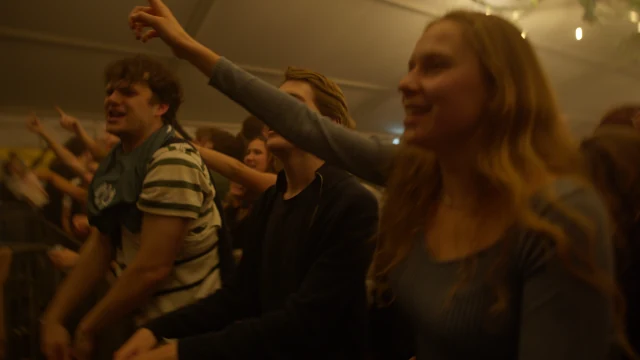
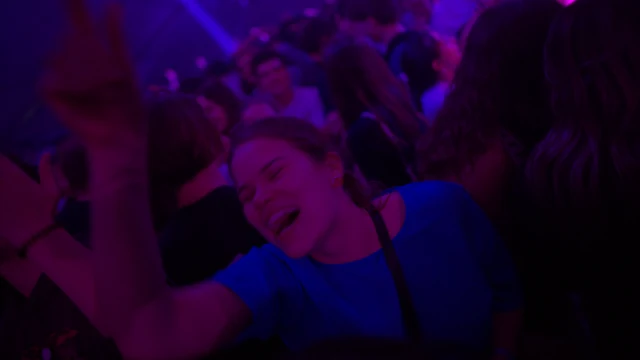
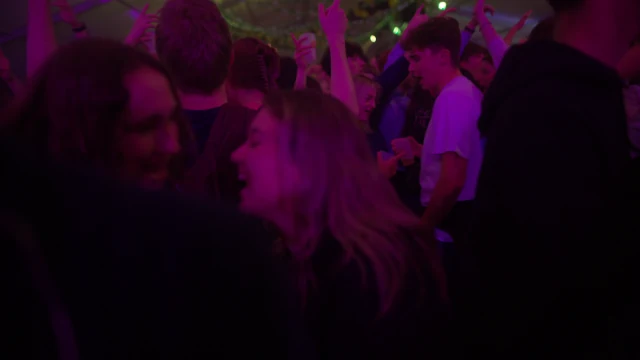
- Panasonic V-Log / V-Gamut (8 clips) — 10-bit stage captures where 18% middle gray sits at 42.33% IRE (code 433) with 8.00 stops above gray. Pair with Panasonic V-Log → Rec.709 or visit the Panasonic V-Log hub.
-
Z CAM Z-Log2 (10 clips) — High-contrast stage clips spanning 19.2% to 56.4% median IRE.
Note that Z CAM MOV headers declare
color_transfer=bt709despite holding Z-Log2 data; override input color space manually inside DaVinci Resolve or Premiere Pro.
Shooting Sony, Canon, or iPhone? Ungraded Sony S-Log3, Canon C-Log3, and Apple Log captures are not yet included in this practice archive — head to the Sony S-Log3, Canon C-Log3, and Apple Log hubs, or grade directly inside the browser with the WebGL LUT Optimizer.
Frequently asked questions
What camera formats are included in the practice footage library?
All 53 clips are genuine festival and stage captures from three cameras: 35 RED Log3G10 clips (shot on RED DSMC2 GEMINI 5K S35), 8 Panasonic V-Log clips, and 10 Z CAM Z-Log2 clips. Sony S-Log3, Canon C-Log3, and Apple Log clips are not yet in this ungraded archive — use the camera LUT hubs and Wiki guides for those curves.
Can I download these clips to test LUTs in DaVinci Resolve, Premiere Pro, or Final Cut Pro?
Yes. Every clip page offers a direct, no-account download of the 1080p ungraded Log still (.webp) and the 720p looping stage clip (.mp4), alongside the matching Log-to-Rec.709 .cube conversion LUT where shipped.
Why do Z CAM Z-Log2 clips look flat or washed out when imported into an NLE?
Z CAM MOV files write color_transfer=bt709 in the container header even though the recorded pixels are Z-Log2. Auto-color-managed timelines misread that tag as Rec.709 unless you manually override the clip input color space.
Why are camera body, ISO, and white balance blank on Panasonic and Z CAM clips?
Those container files did not store body, ISO, or Kelvin metadata. Rather than guessing a camera model or lens, FestivalLUTs displays only verified metadata present in the file.
More tools
- .cube LUT Inspector & 445nm Laser Stress-Tester — Drop a .cube file and get five numbers plus a 445nm blue-laser stress test: grid size, tetrahedral folds, 8- and 10-bit banding, skin-line ΔE76, and shadow noise. Runs locally in your browser.
- LUT Optimizer — Preview any LUT on real RED Log3G10 and Sony S-Log3 festival frames, drop your own still, inspect six live scopes, and export 33³ or 65³ .cube files.
- Camera Log Exposure Calculator — Where 18% gray and skin tones land in IRE for eight camera log formats, with a false-color bar, ETTR headroom, and dual base ISO notes for dark stages.
- Camera Log Curve Comparator — Compare IRE, 10-bit code values, highlight headroom, and exposure offsets side by side across nine camera log profiles.
- Multi-Camera Festival Shoot Matcher — Pick an A-camera, a B-cam, drone or phone, and a stage lighting scenario: Kelvin and ISO targets, Resolve node order, trims, and matching looks.
- Stage Lighting & Laser Survival Guide — Blue LEDs, green lasers, sodium spill, LED wall banding, pyro, and shadow noise: waveform bounds, flicker-safe shutter angles, and practical fixes.
- Stage LED Wall & Canvas Calculator — From a stage LED cabinet grid to the canvas size and DaVinci Resolve timeline settings.
- DaVinci Resolve 5-Node Stage Tree — A five-node festival grading tree in DaVinci Resolve, node by node, with its specification as a downloadable .json reference.
- Club & DJ Vertical Recap LUTs — Conversion LUTs and night looks built for iPhone Apple Log and DJI Osmo Pocket 3 D-Log M club and DJ booth reels.