 Z CAM Z-Log2
Clip 46 — Z CAM Z-Log2 Practice Footage
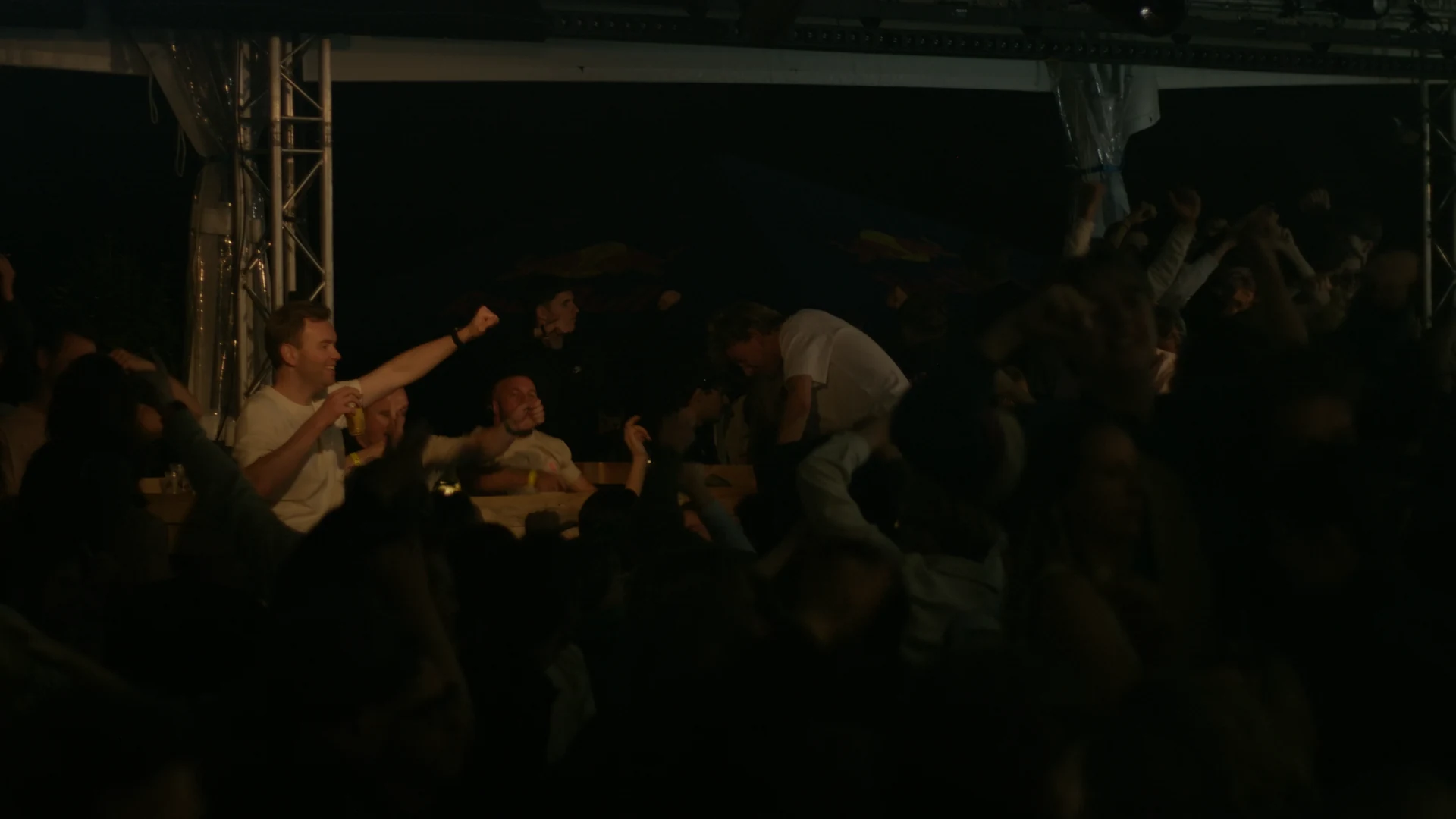
Mid-Key Concert Exposure · Z CAM Z-Log2 · 21.9s · Median 19.2% / Peak 83.4% IRE
 Ungraded Z CAM Z-Log2
Rec.709 Preview
Measured clip telemetry
| Clip ID | clip_46 (#46 of 53) |
|---|---|
| Log curve | Z CAM Z-Log2 |
| Color gamut | Z CAM Z-Log2 |
| Camera body | Not recorded in container |
| ISO / White balance | Not recorded in container |
| Source runtime | 21.9s |
| Median luminance | 19.2% IRE |
| 99.9th percentile (p99.9) | 43.9% IRE |
| Peak luminance (max) | 83.4% IRE |
0% IRE (Black)
Luminance Span
100% IRE (Clip)
Median 19.2%
p99.9 43.9%
Peak 83.4%
Z CAM Container Tag Warning: Z CAM MOV recordings embed
color_transfer=bt709
in the file header even though the video stream is encoded in Z-Log2. In DaVinci Resolve or Premiere Pro,
override the clip’s Input Color Space manually rather than relying on automatic tag detection.
Grading notes for Clip 46
Clip 46 has a median luminance of 19.2% IRE in Z CAM Z-Log2, with the top 0.1% of pixels at 43.9% IRE and a peak at 83.4% IRE.
Clean headroom remains above the brightest stage elements, so you can push primary contrast and check skin separation, haze roll-off, and midtone color shifts without fighting clipped peaks.
Camera body, ISO, and white balance were not recorded in this container. Z CAM publishes no analytical transfer formula for Z-Log2, so FestivalLUTs fits the Rec.709 preview transform directly to Z CAM’s own conversion LUT (aligning 18% gray to Rec.709 0.373) rather than shipping a baked Z-Log2 conversion .cube.
Recommended workflow
Place your exposure and white-balance trim node before the log conversion so adjustments happen in scene-referred camera space. Next, apply a Z-Log2 conversion transform (or a DaVinci Resolve Color Space Transform with Saturation Compression enabled), and add any creative stage LUT downstream.
Further reading: Log-to-Rec.709 Conversion Guide · Log → Rec.709 Conversions · Stage lasers & LED gamut clipping.
More Z CAM Z-Log2 practice clips
Adjacent frames from the same camera log set
Z CAM Z-Log2
 Z CAM Z-Log2
 Z CAM Z-Log2
 Z CAM Z-Log2
 Z CAM Z-Log2
 Z CAM Z-Log2